Best AI Headshot Generator for Professional Photos
My Top Picks for AI Headshot Generators –
Headshot Pro — Best Overall, Teams, Affordable
Aragon AI — Most Realistic
StudioShot AI — Corporate Branding
BetterPic — Customization
AI headshot generators have gradually become more widespread and one of the most practical tools for professionals, founders, and job seekers. I see many people discussing them in forums “Reddit”.
Upload a collection of your selfies, and within minutes or hours (depending on the tool) you get quality studio portraits, without photographer, no lighting rig, no awkward posing directions.
But not all AI headshot tools are created equal. Some produce glassy, uncanny results that scream “generated.” Others nail the lighting but botch your likeness. A few genuinely deliver portraits good enough to put on a LinkedIn profile, a company page, or a conference speaker bio without a second thought.
This guide breaks down the best AI headshot generators available right now.
what they do well, where they fall short, and which one is actually worth your time (and money).
Table of Contents
Best AI Headshot Generation
AI has evolved, leading to the emergence of several AI headshot generator tools.
I’ve noticed, and perhaps you have too, the varying quality of results. Some tools completely alter your face and its details, resulting in very poor performance, while others offer good results. Choosing the best tool for creating professional portraits depends on your desired final image outcome and your needs.
Below, I’ll provide a guide to help you find the best AI headshot generator tools currently available. Several variables were considered, along with the strengths of each.
1. HeadshotPro – Best Overall, Teams, Affordable
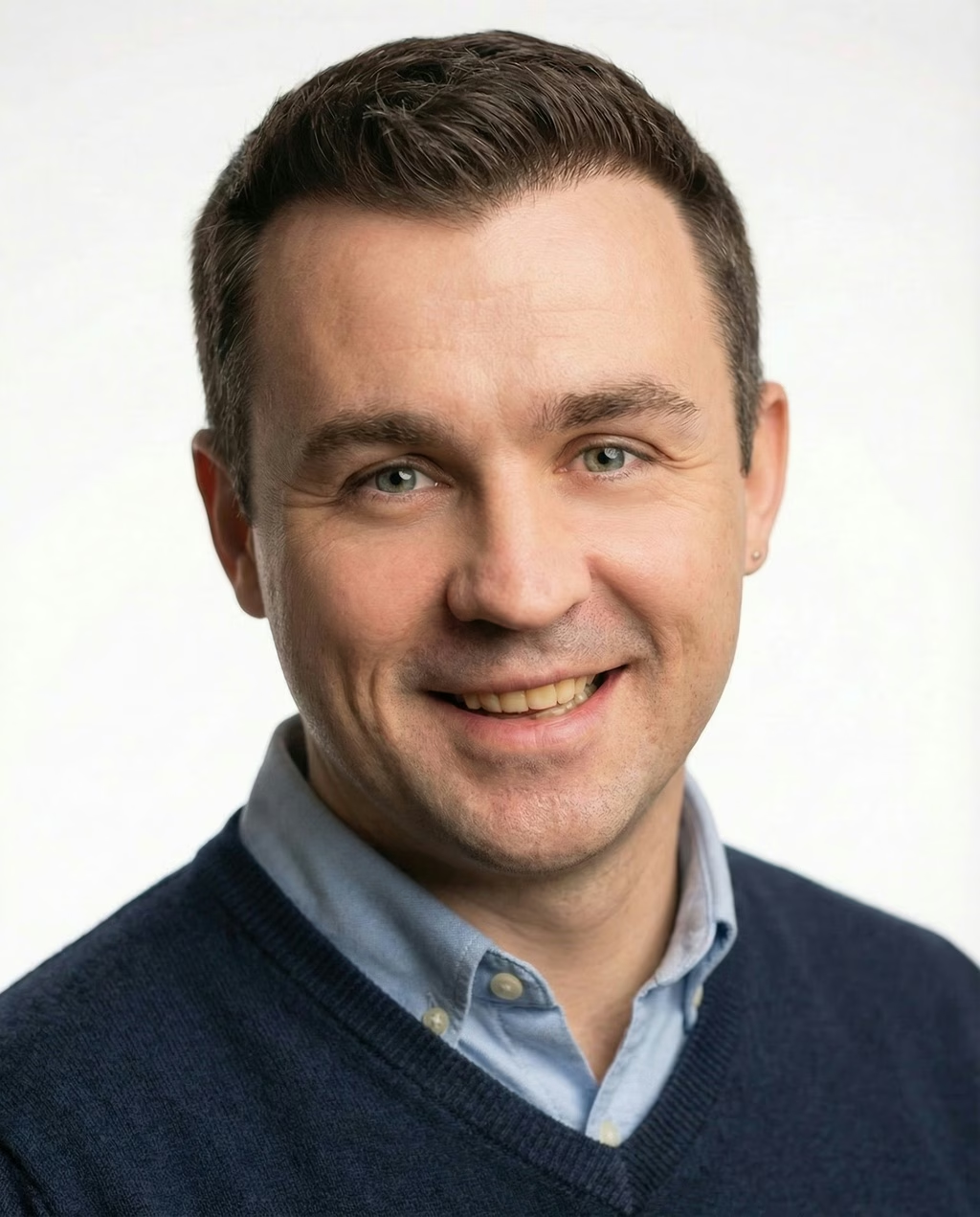
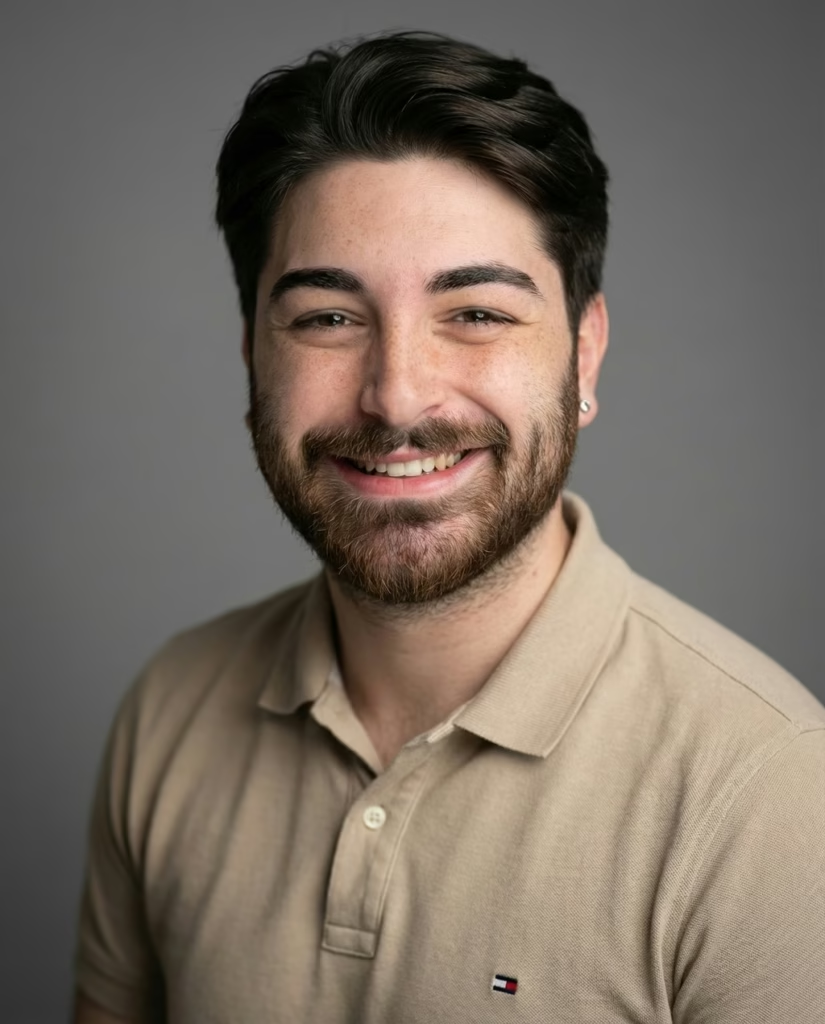
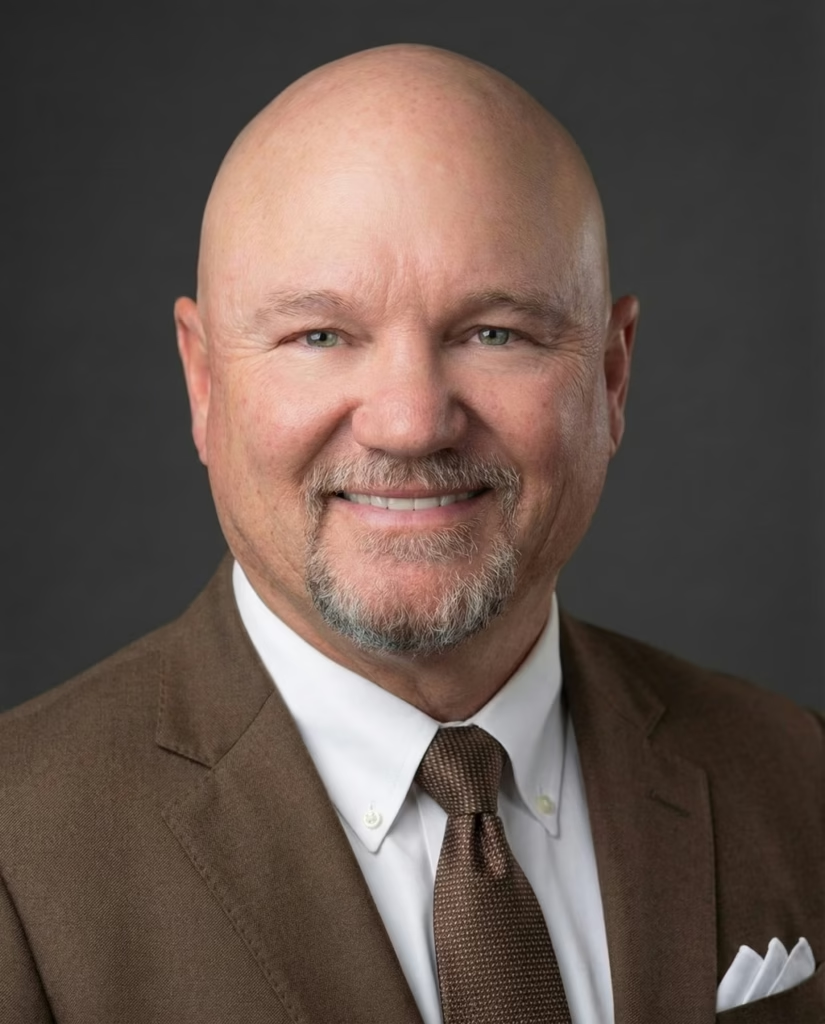
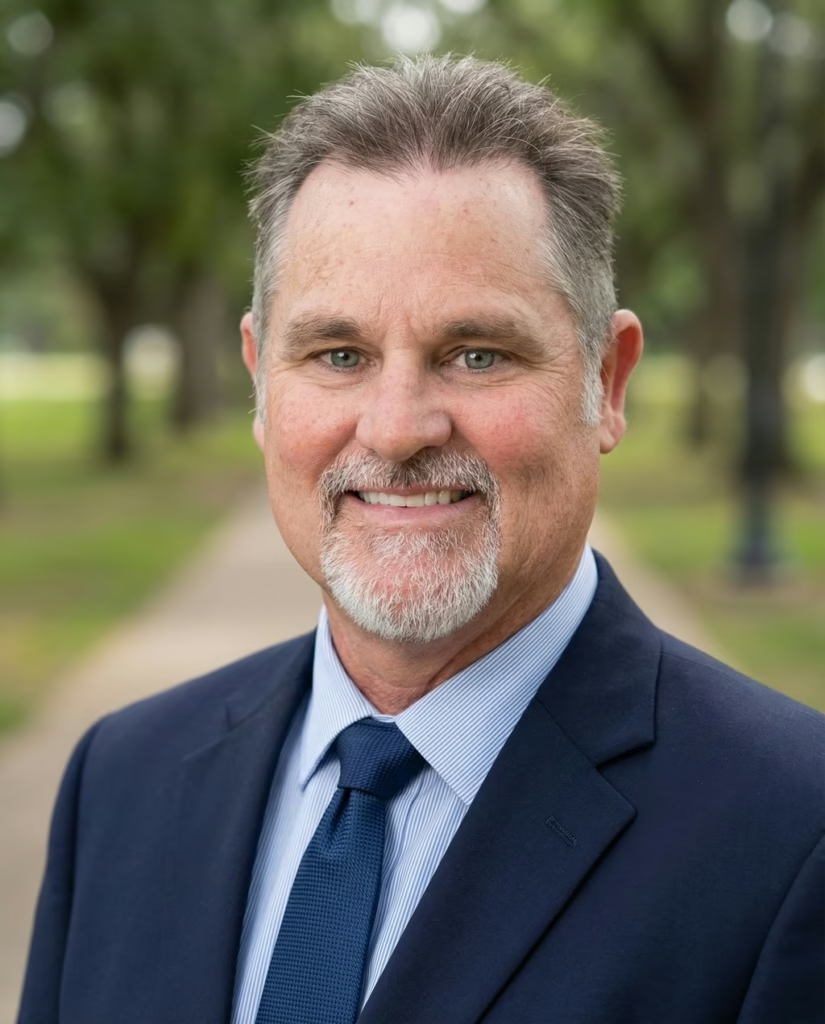
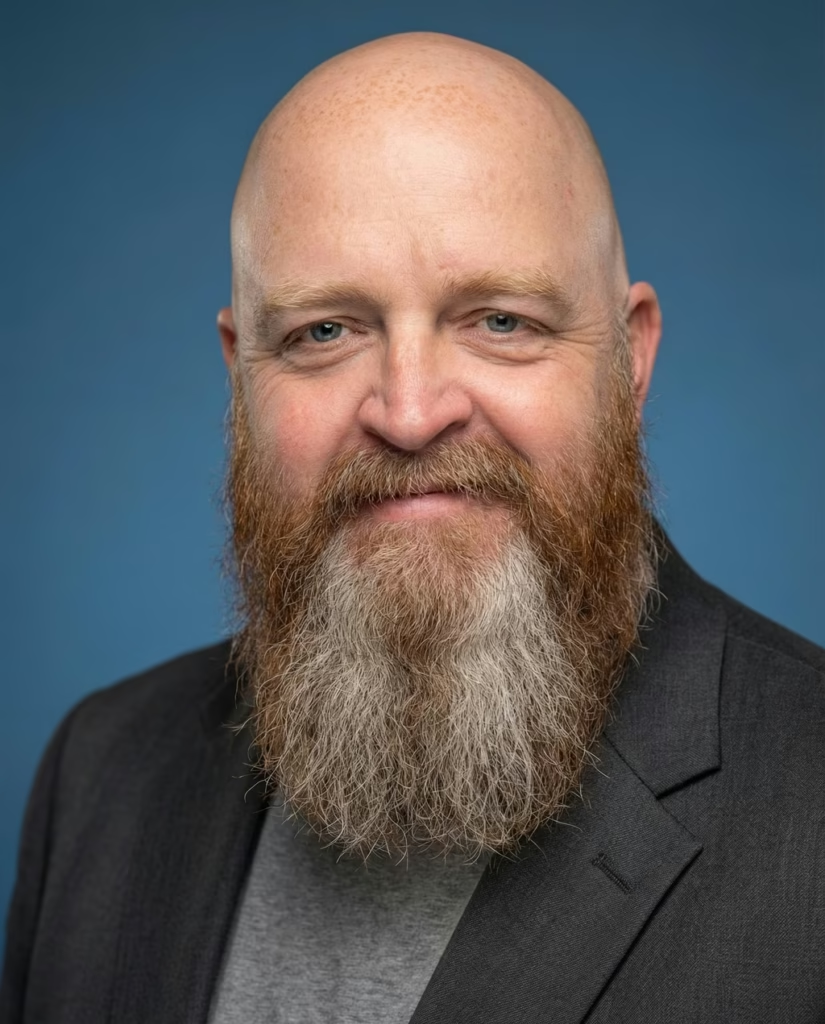
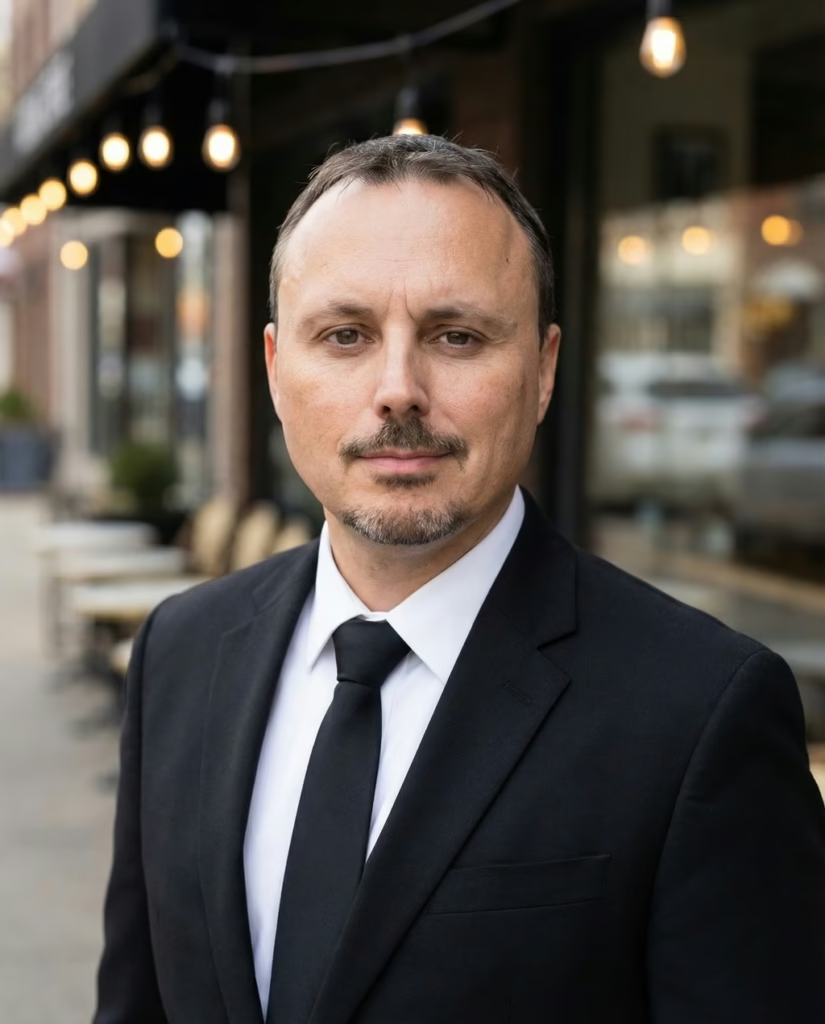
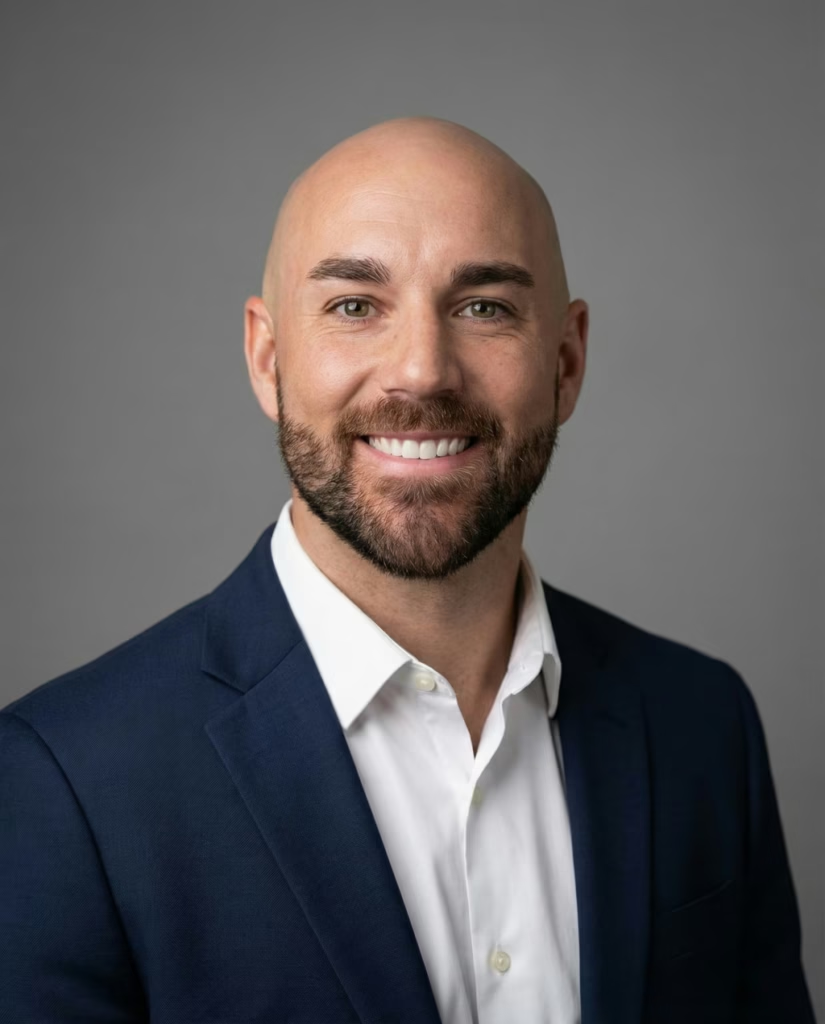
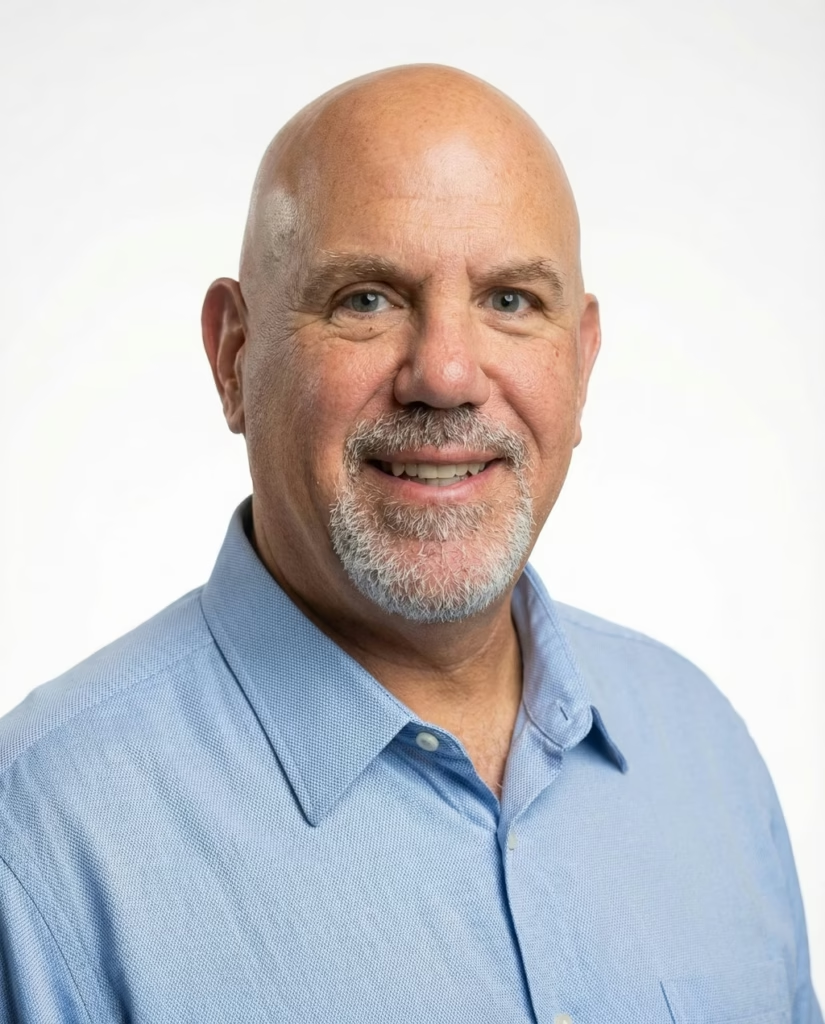
HeadshotPro is an AI headshot generator made for professional business photos. It takes selfies. Turns them into high quality headshots that are great for LinkedIn, resumes and company profiles.
AI Headshot Results:
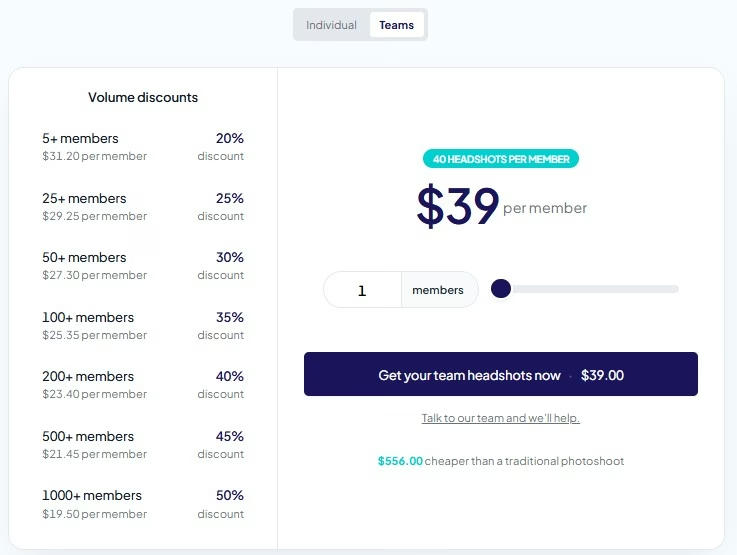
Pricing
Individual Pricing
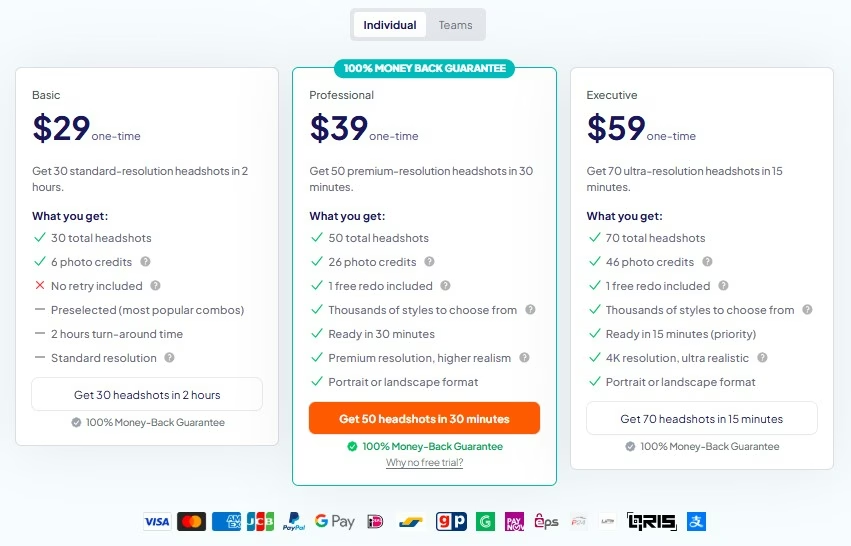
Teams Pricing
Pros & Cons
Pros:
- One of the most affordable AI headshot tools
- Generates a large number of headshots per package
- Team features for businesses
- Money-back guarantee available
- Good variety of professional styles
Cons:
- Limited customization compared to some competitors
- Processing may take a few hours
- Some images may require manual selection to find the best shots
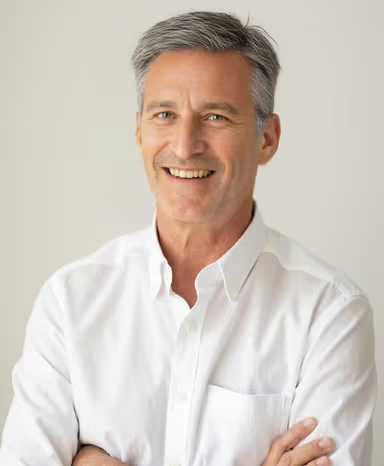
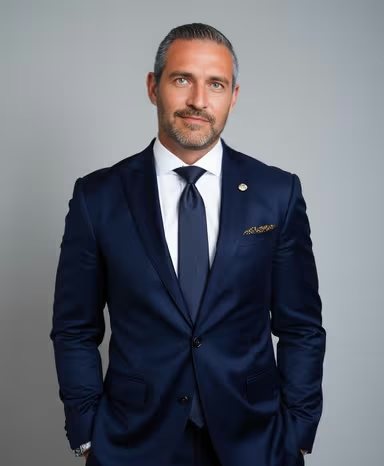
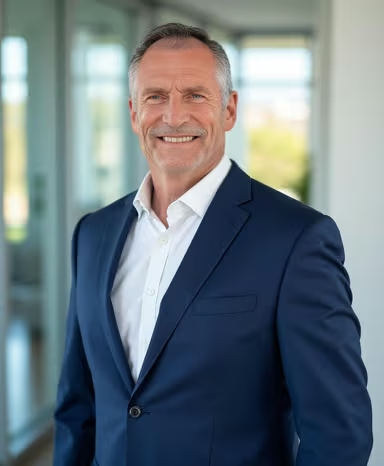
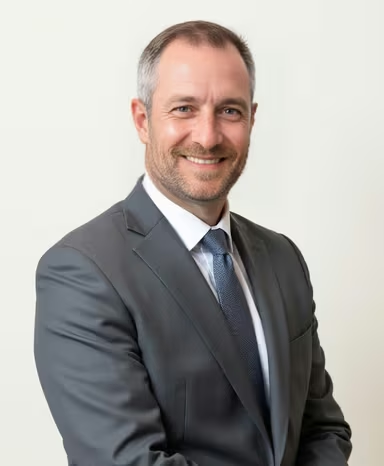
2. Aragon AI – Fastest Results, Realism
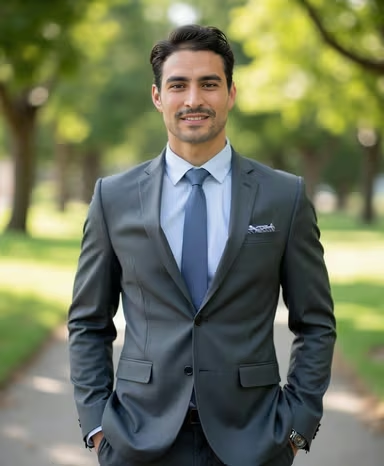
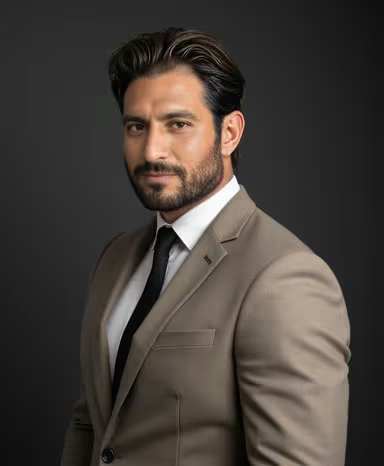
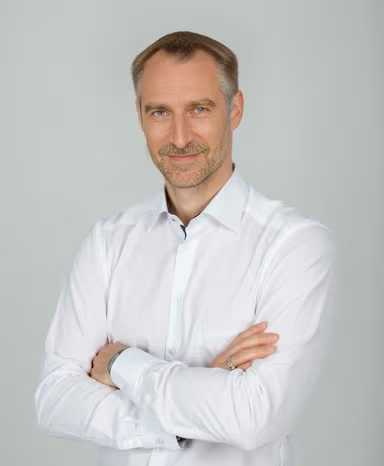
Aragon AI is another tool that generates headshots from selfies. It does this quickly and the results look like they were taken in a studio. It says it can make headshots in about thirty minutes. This tool is good for professionals and teams who need photos.
AI Headshot Results:
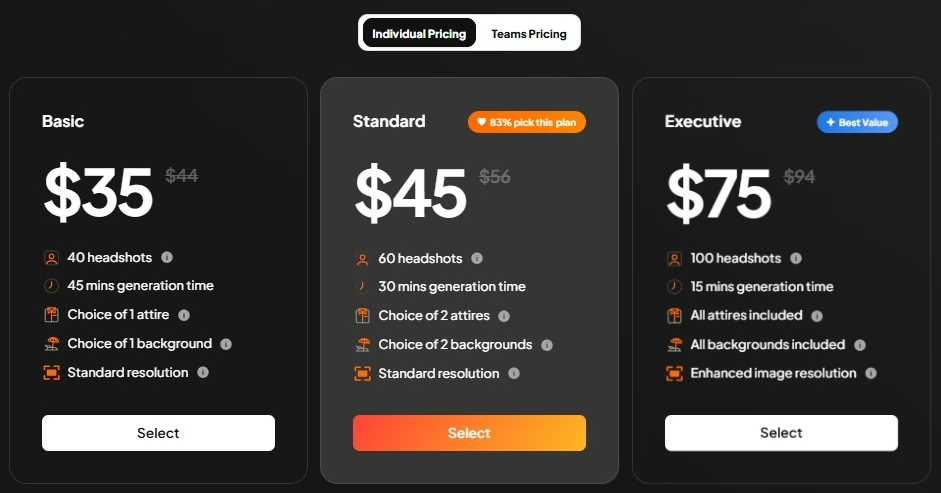
Pricing
Individual Pricing
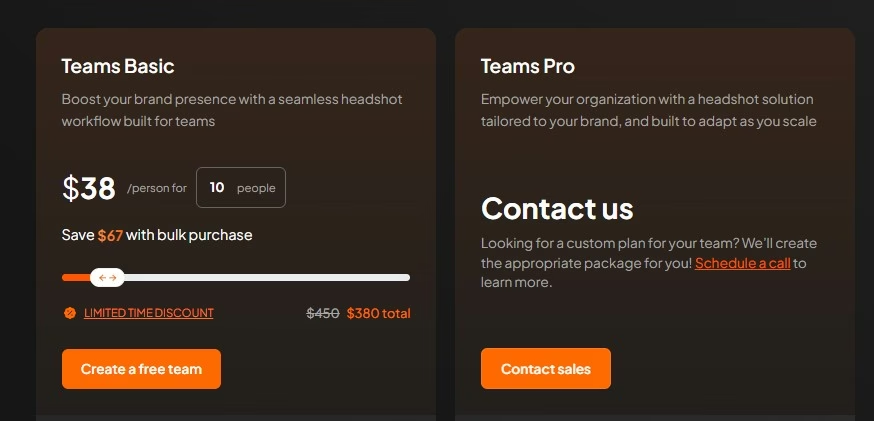
Teams Pricing
Pros & Cons
Pros:
- Produces highly realistic results
- Fast turnaround times (15–45 minutes)
- Multiple outfit and background options
- High-quality image output
Cons:
- More expensive than budget alternatives
- Limited free options
- Best features are reserved for higher-tier plans
- Results still depend heavily on the quality of uploaded photos
3. Studioshot AI – Corporate Branding
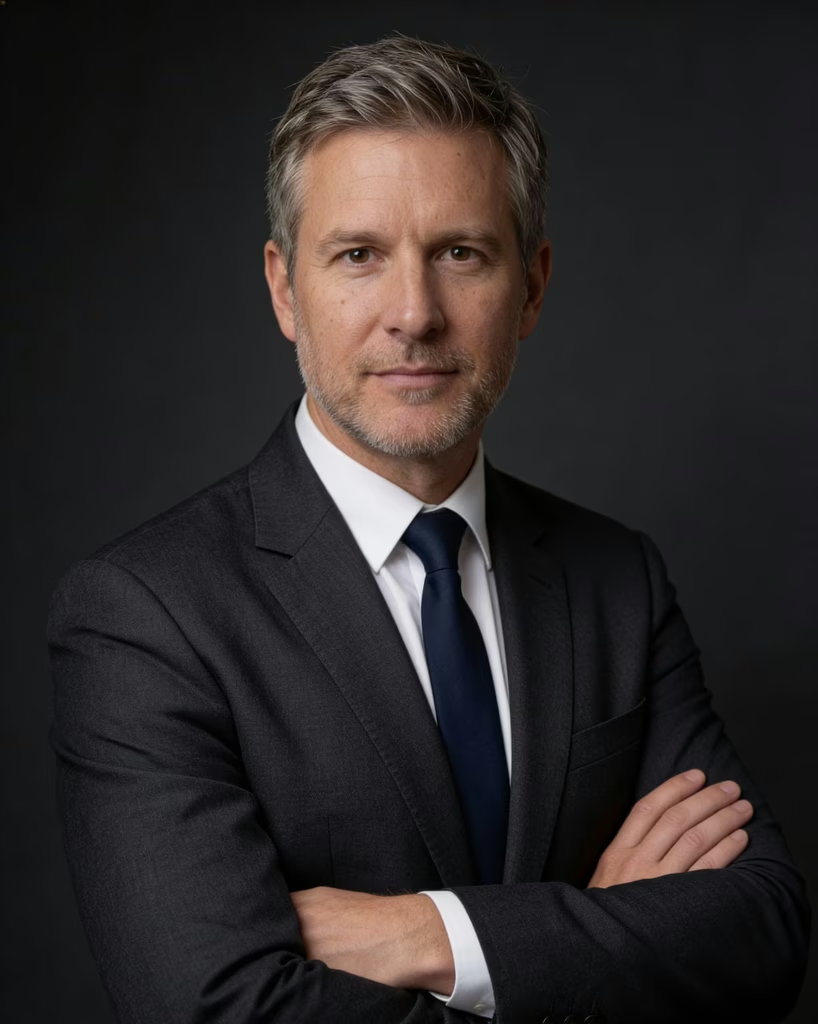
StudioShot AI is a high end tool that creates realistic portraits. It gives users a lot of control over the look of the photos. It is good for people and brands that want their photos to look a way.
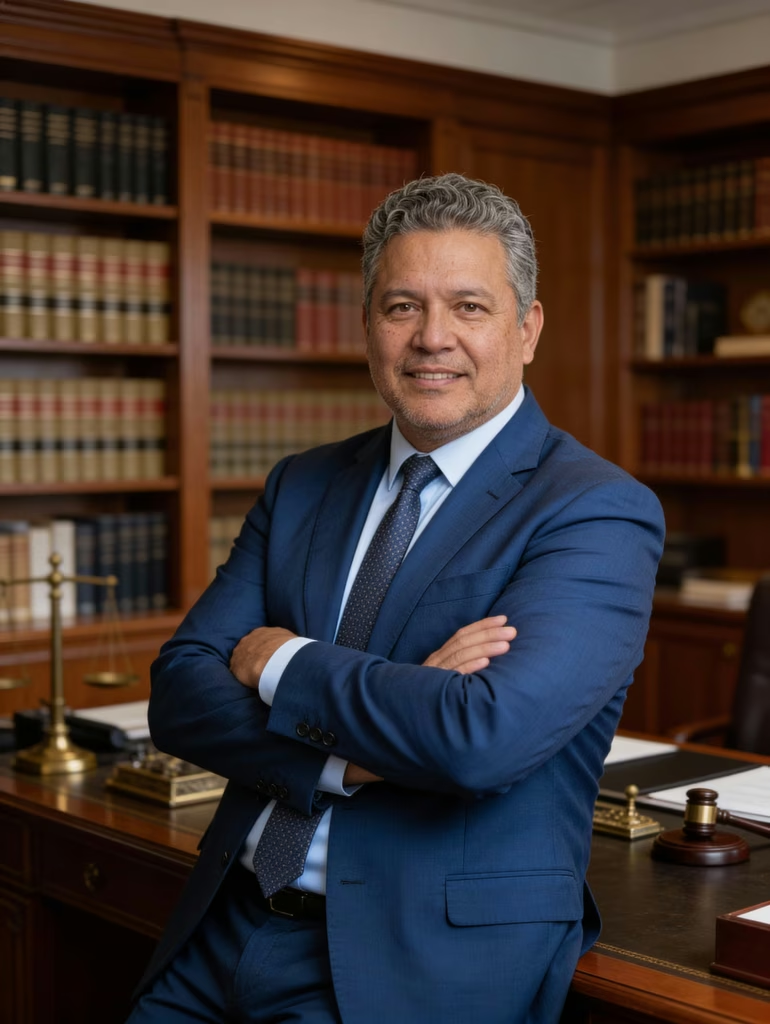
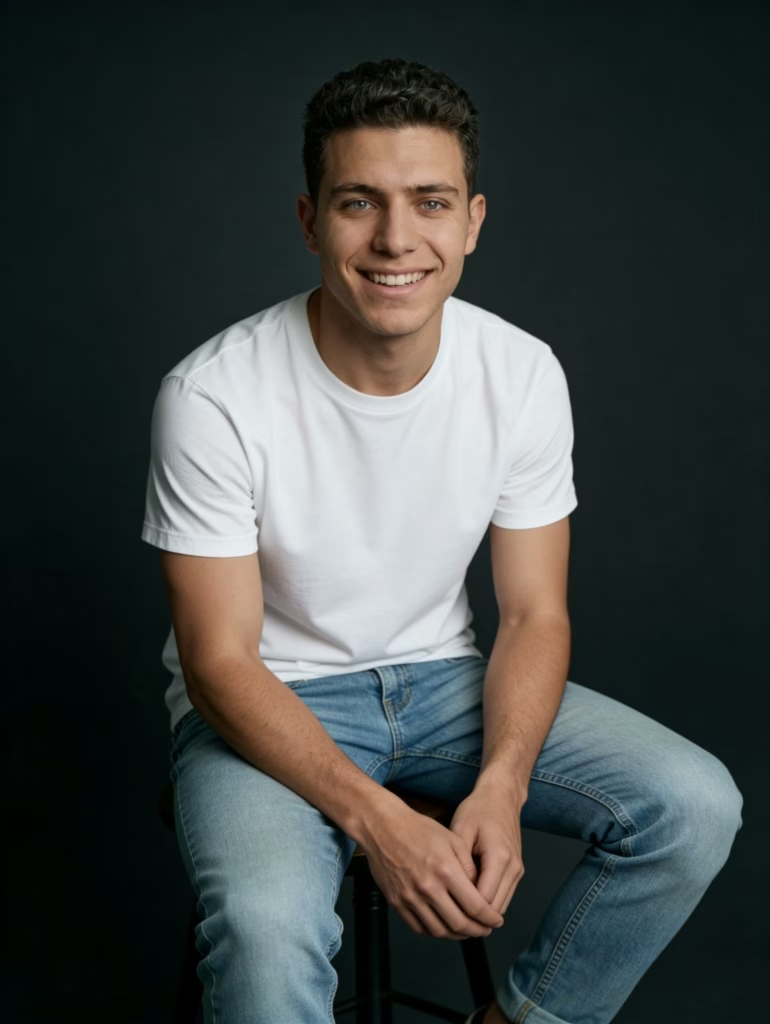
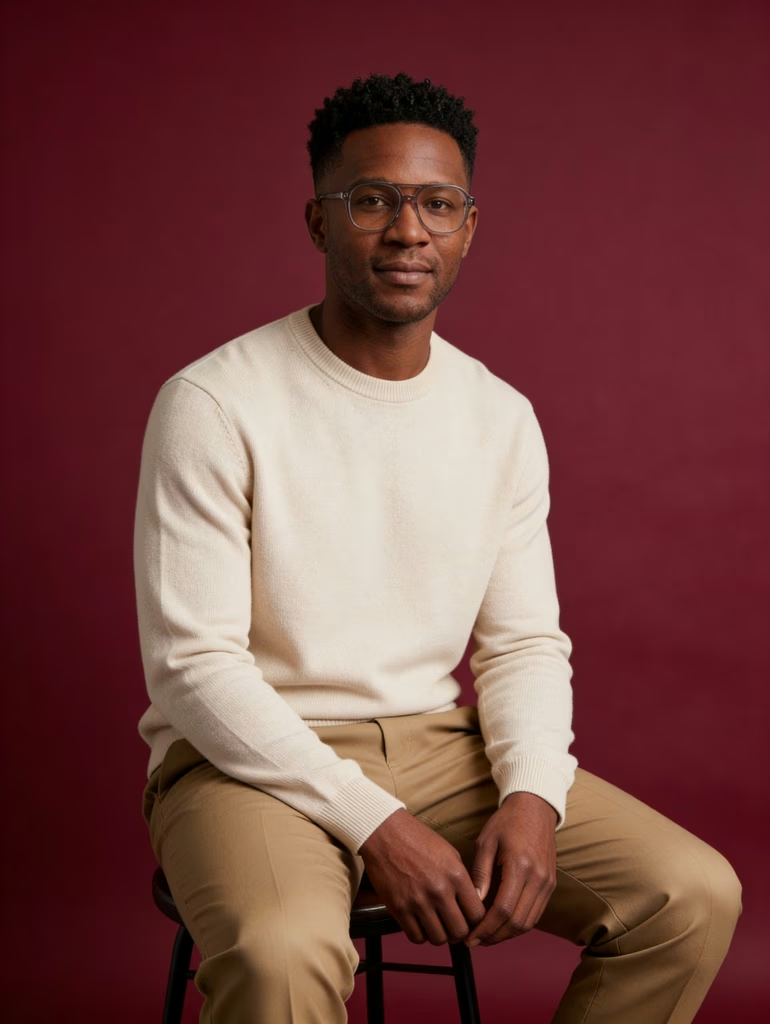
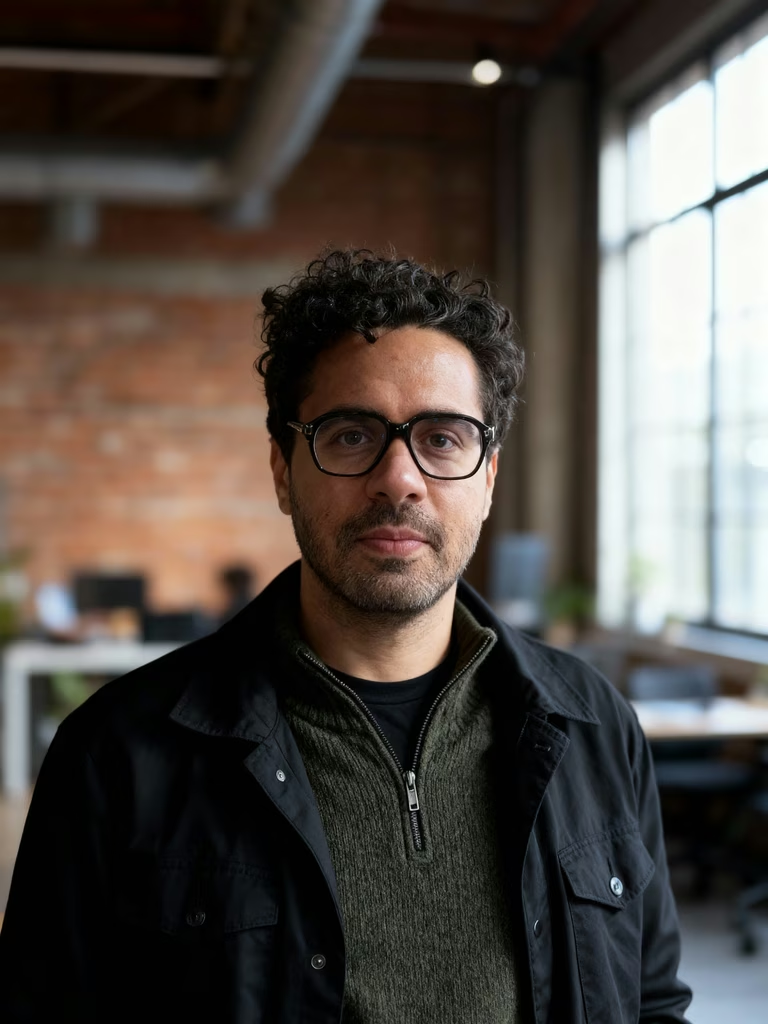
AI Headshot Results:
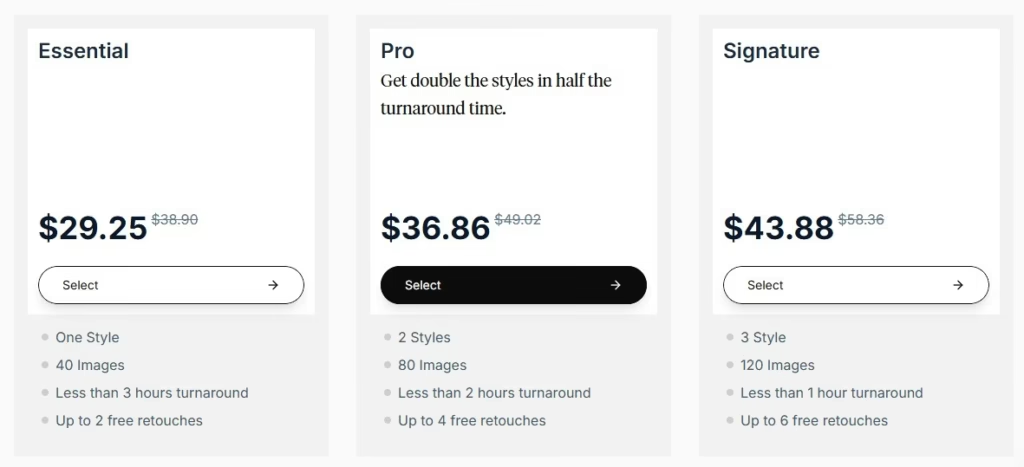
Pricing
Individual Pricing
Pros & Cons
Pros:
- Excellent for company-wide branding
- Consistent style across team members
- Multiple business-focused settings and outfits
- Includes retouching options
Cons:
- Less suited for casual or creative portraits
- Premium features increase the cost
- Limited artistic flexibility
- Requires quality source photos for optimal results
4. BetterPic – Best for Customization
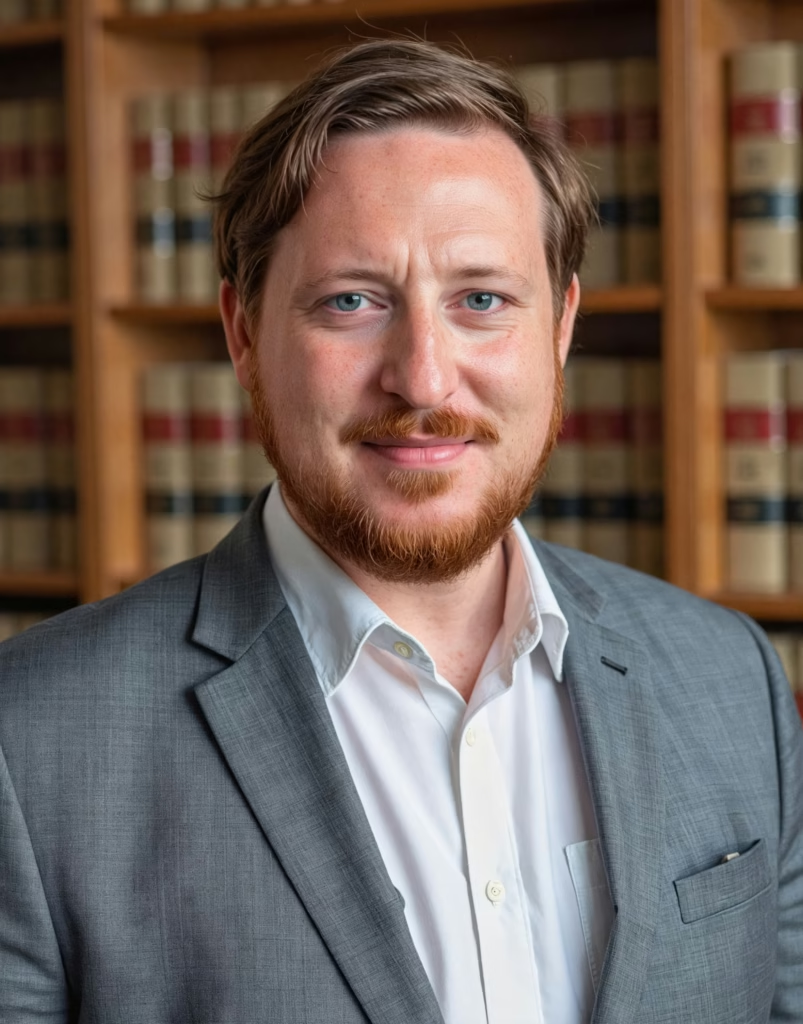
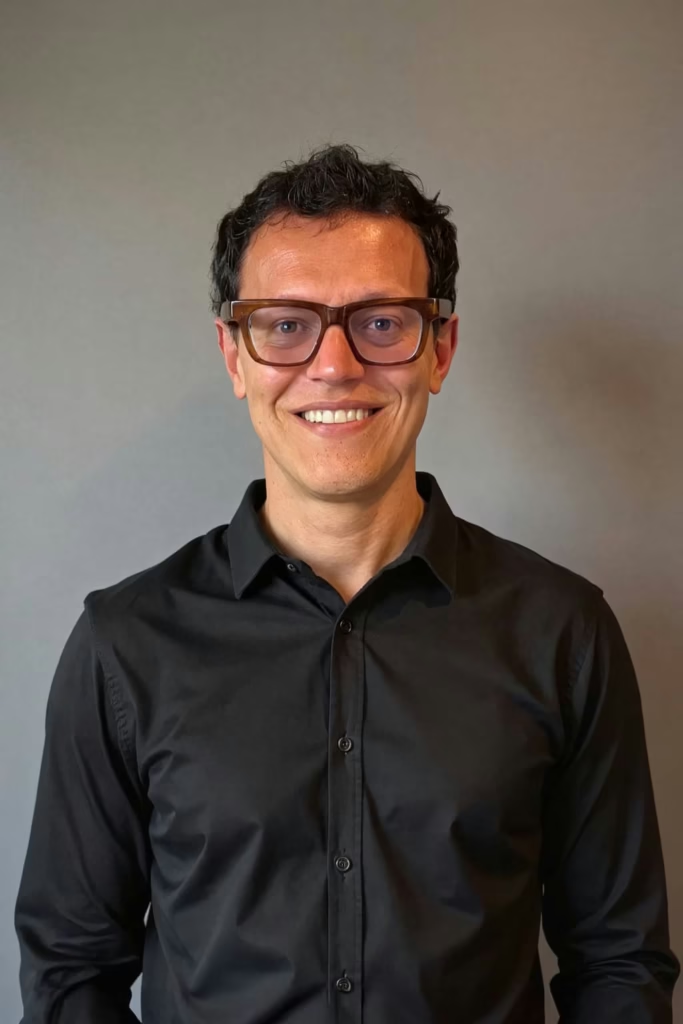
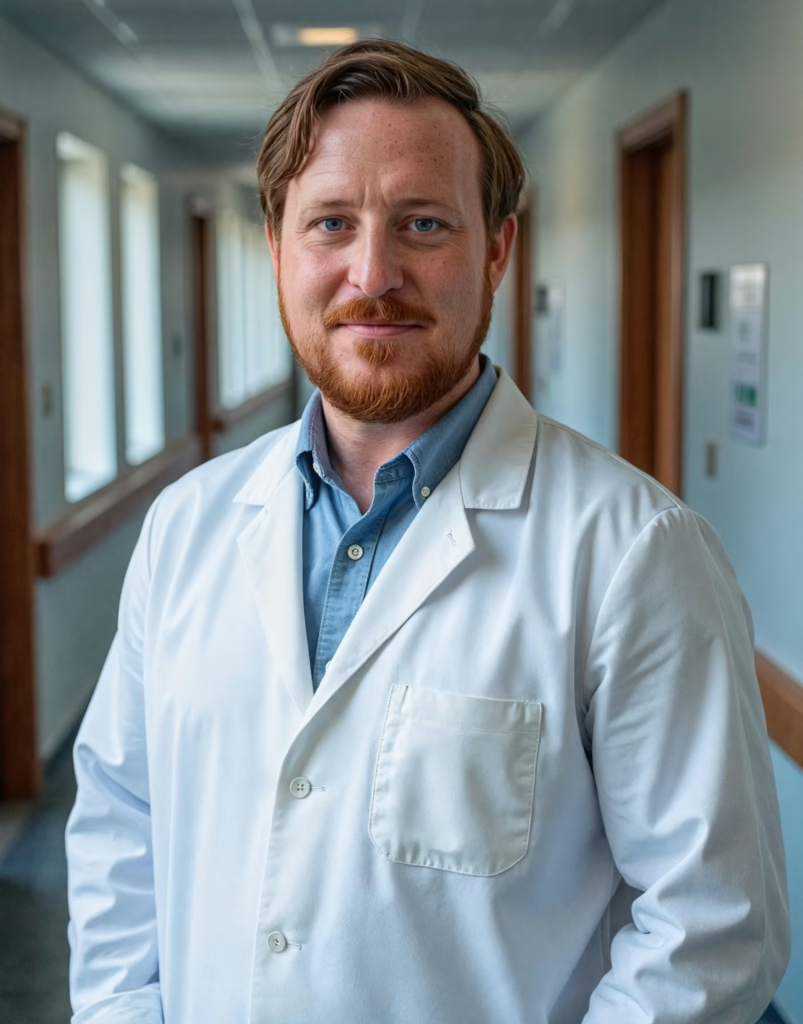
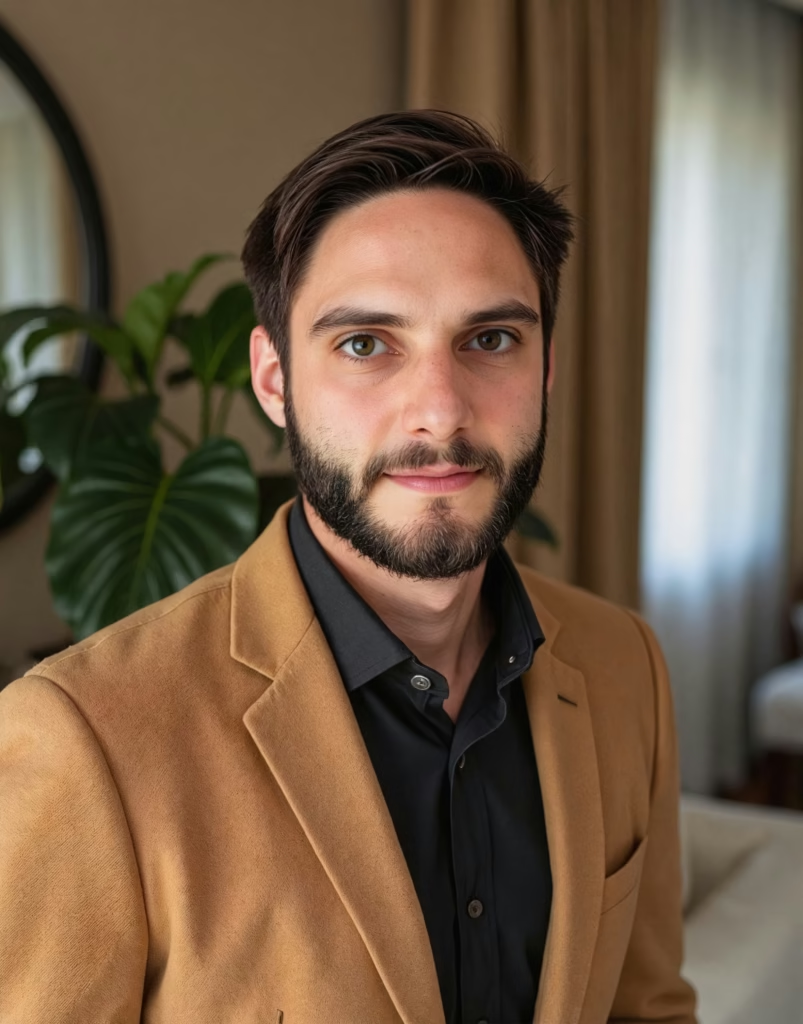
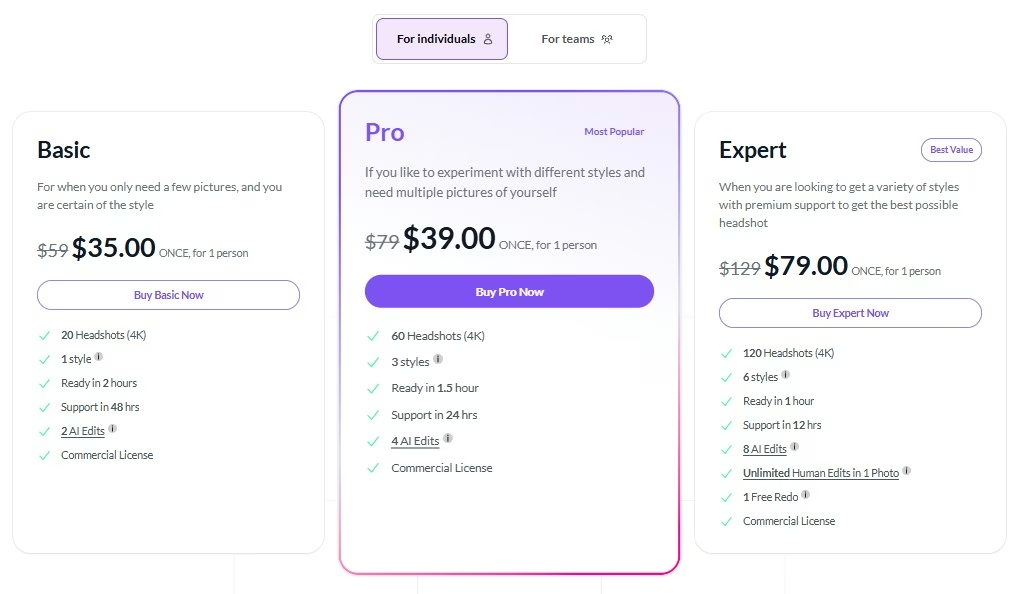
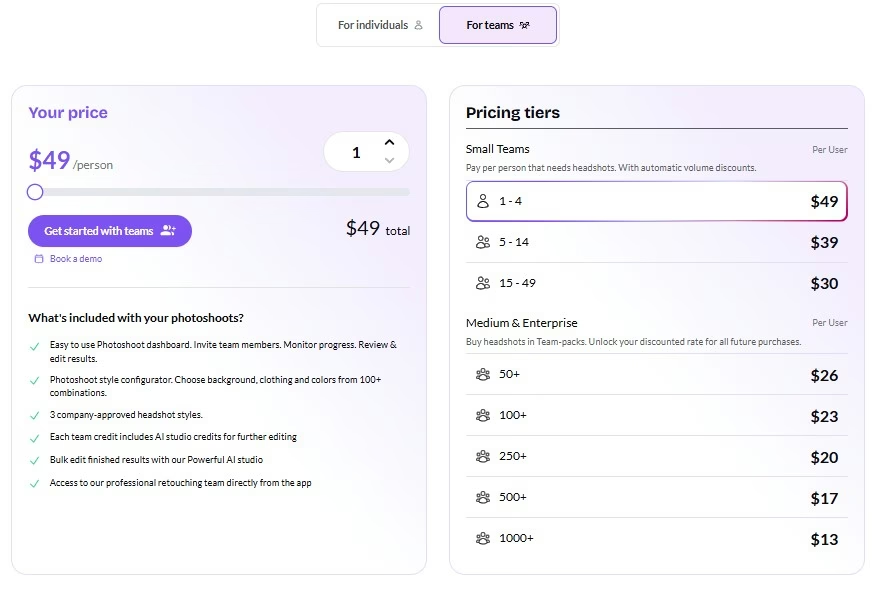
BetterPic is a tool that makes portraits very quickly. It can make photos in 4K. It gives users a lot of options for customization. This tool is good for LinkedIn, websites and other professional uses.
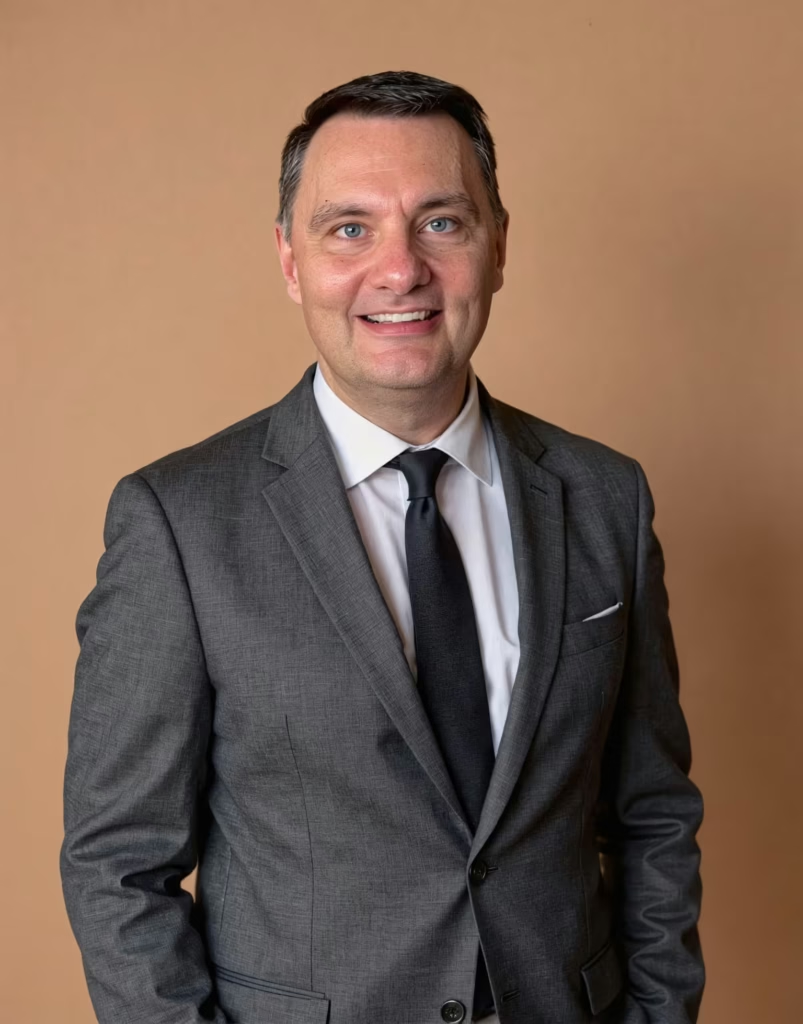
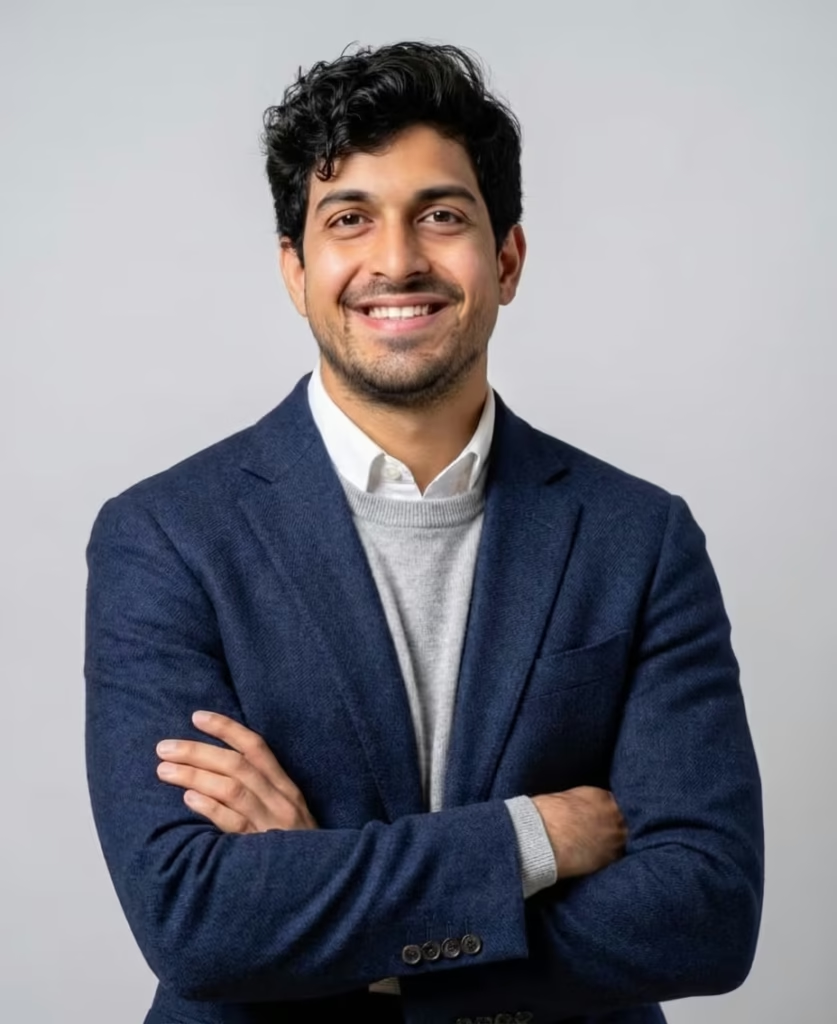
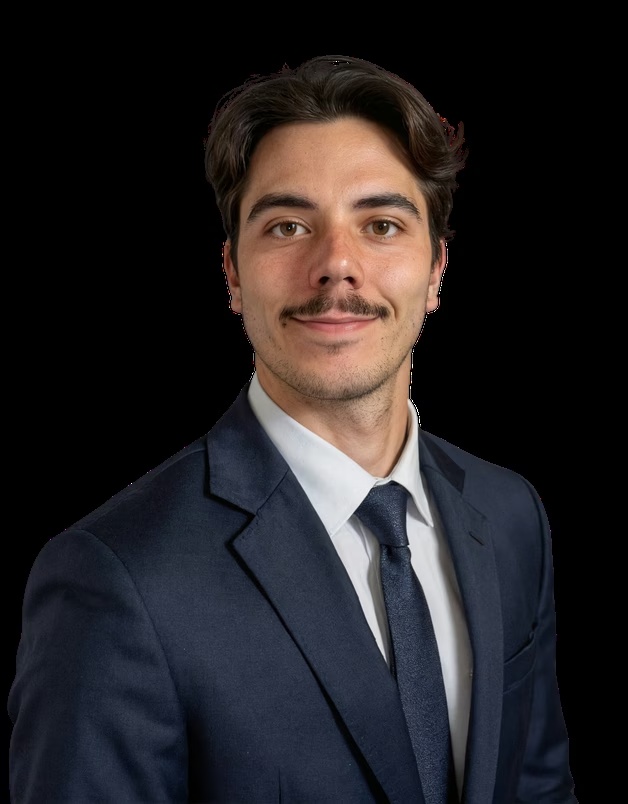
AI Headshot Results:
Pricing
Individual Pricing
Teams Pricing
Pros & Cons
Pros:
- Strong customization features
- 4K resolution headshots
- Human editing available on higher plans
- Commercial usage rights included
Cons:
- Advanced features require premium plans
- Human edits are limited or cost extra
- Refund policies can be restrictive
- Higher pricing than some competitors
5. Ai SuitUp
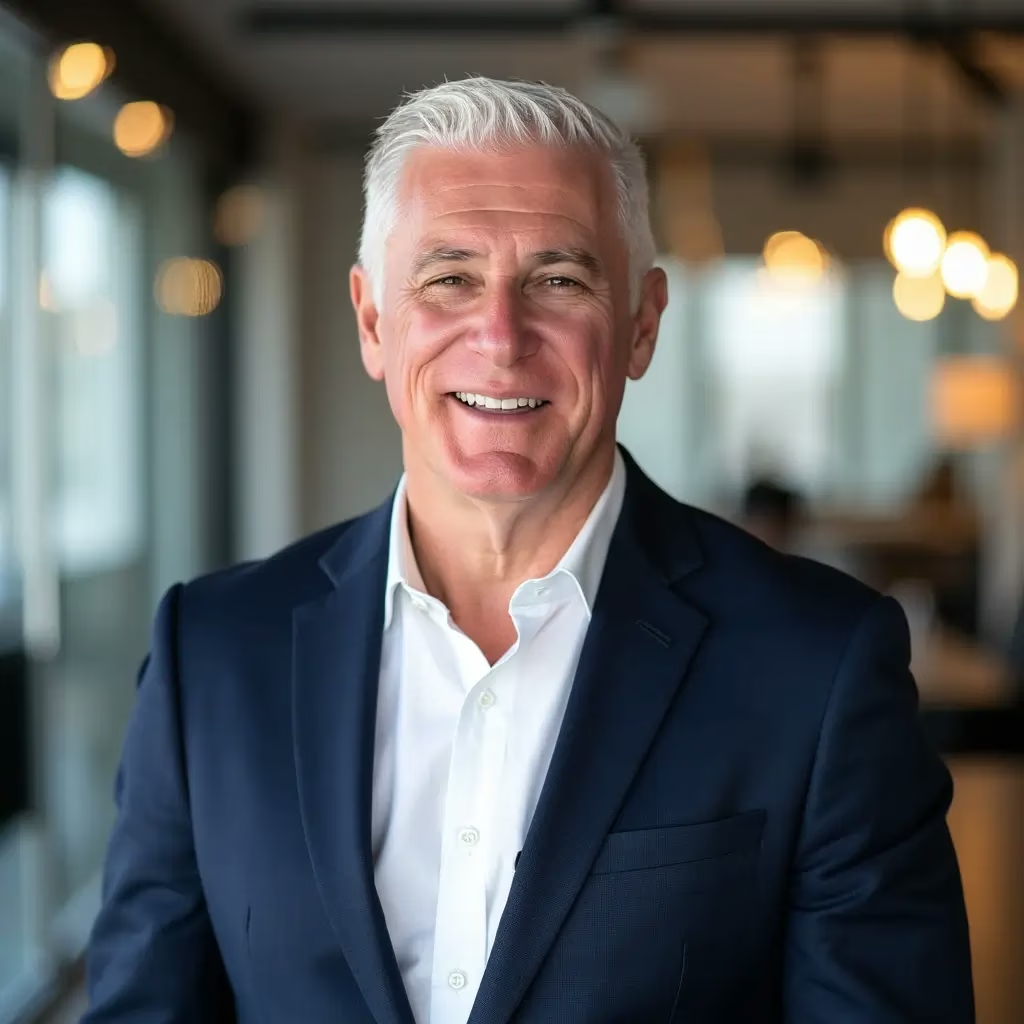
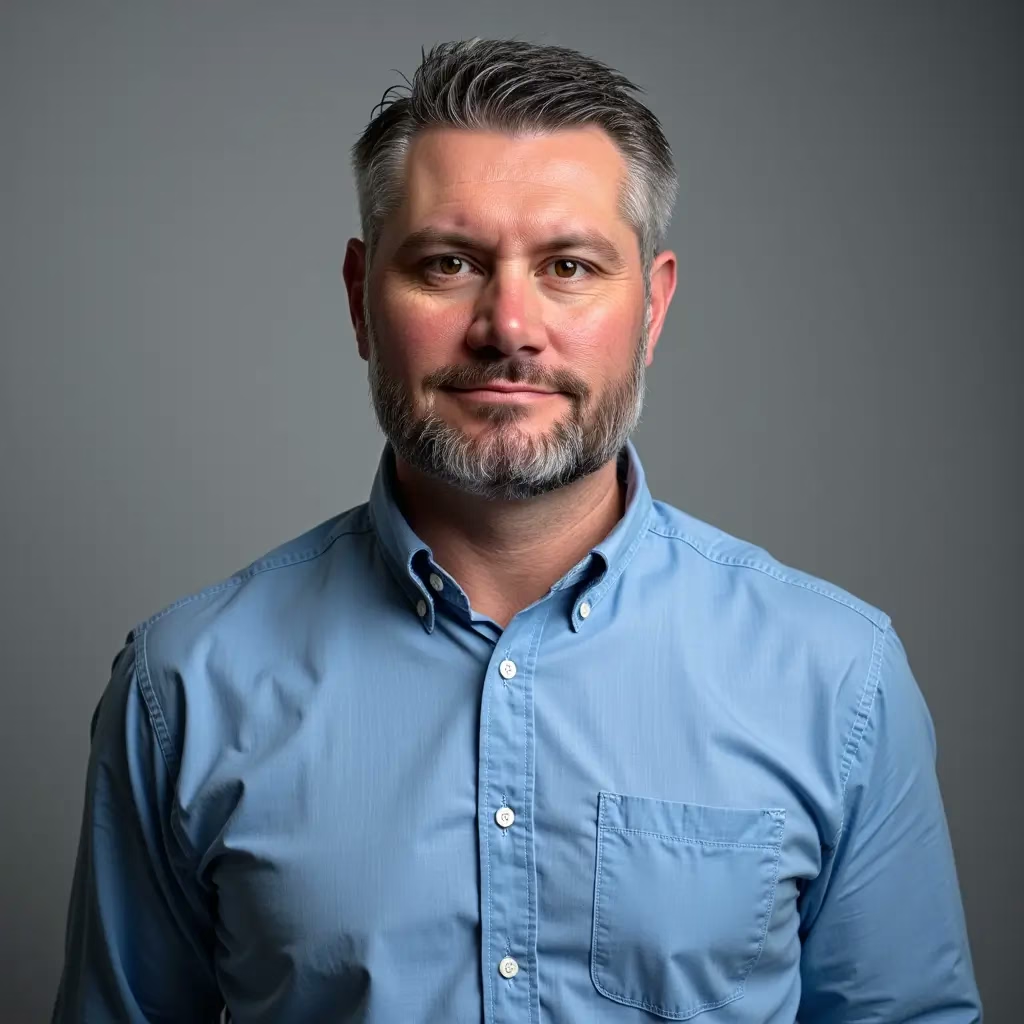
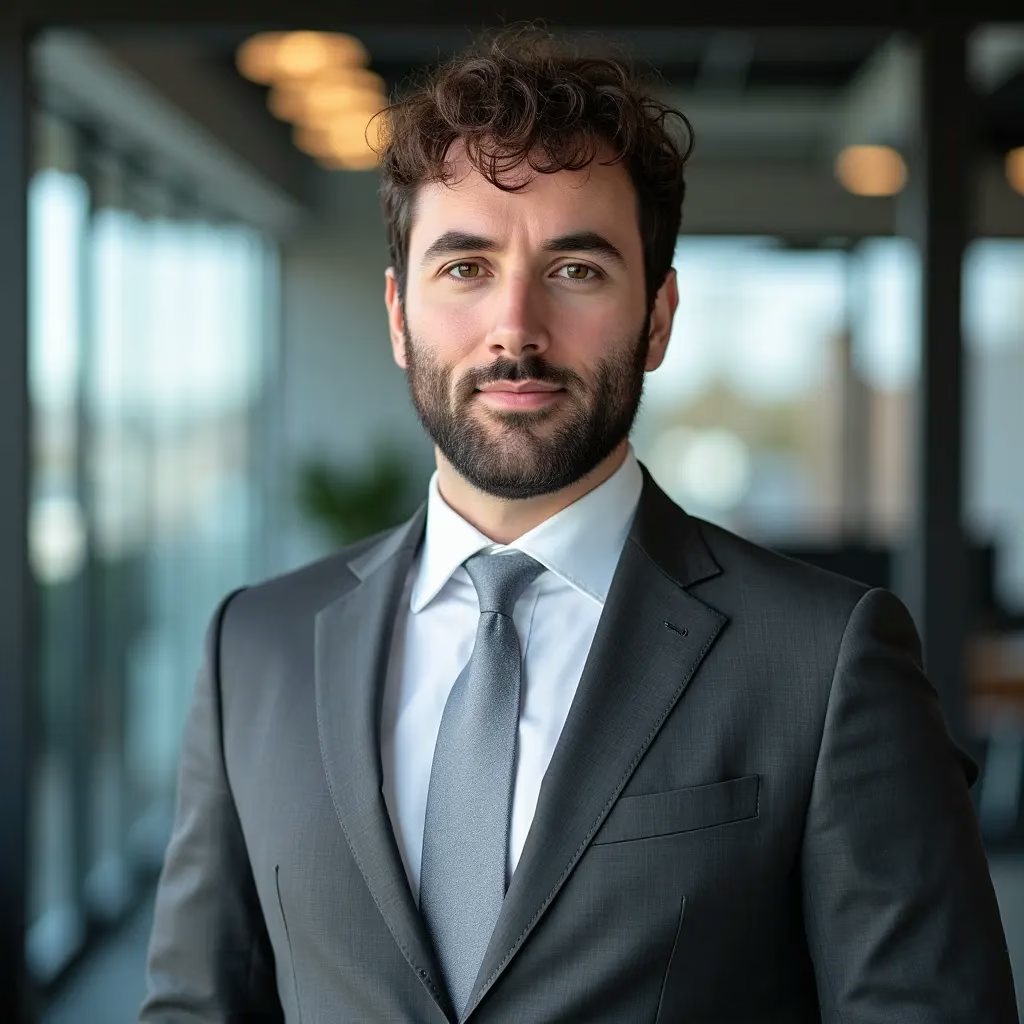
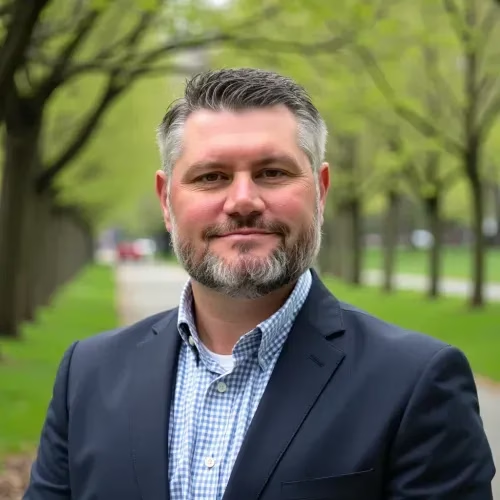
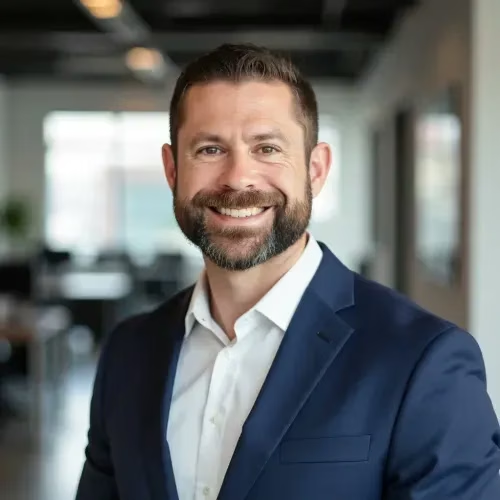
AI SuitUp is a tool that makes headshots from selfies. It is marketed towards professionals who need business photos quickly. it is easy to use. It has a free version.
AI Headshot Results:

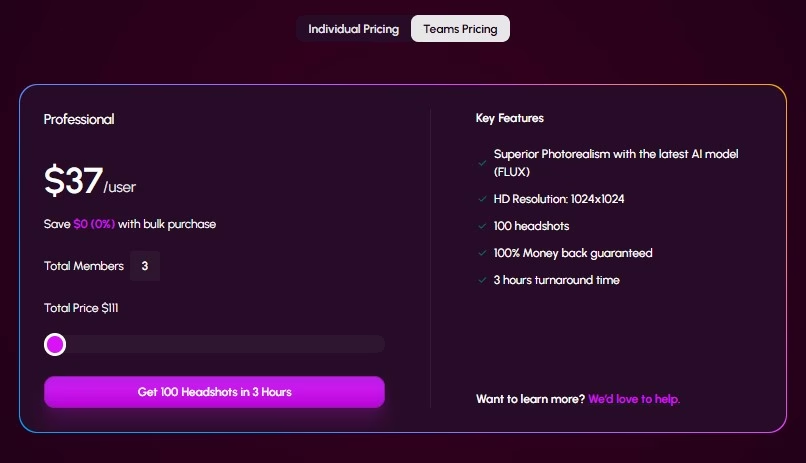
Pricing
Individual Pricing
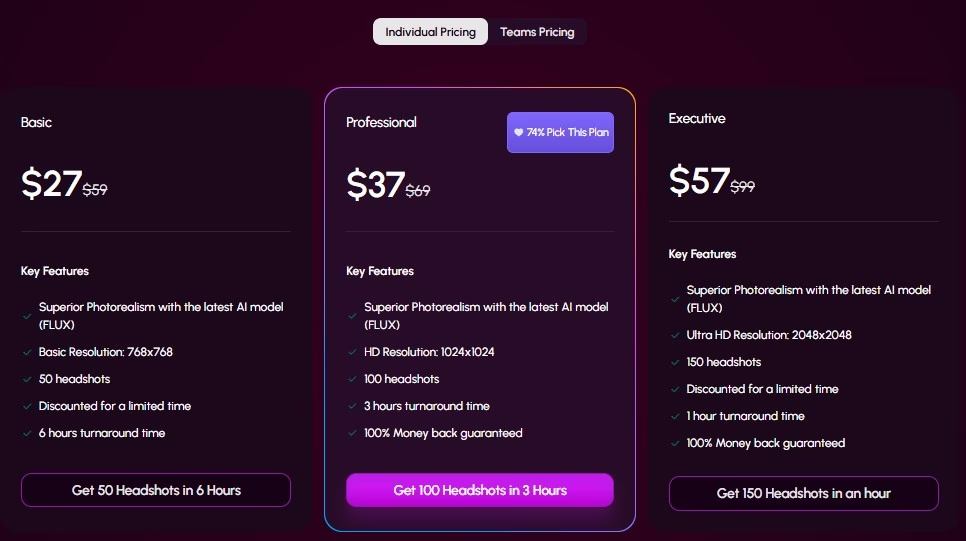
Teams Pricing
Pros & Cons
Pros:
- Simple and beginner-friendly interface
- Offers various photo styles
- Includes image enhancement tools
- Flexible subscription options
Cons:
- Less established than major competitors
- Output quality can be inconsistent
- Fewer advanced business features
- Limited independent user reviews available
6. Proshoot
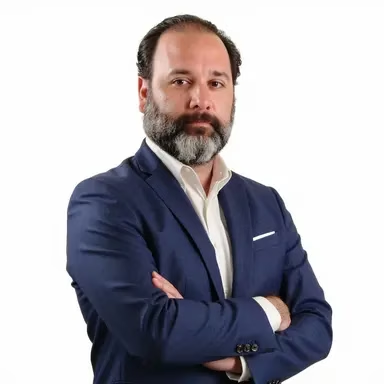
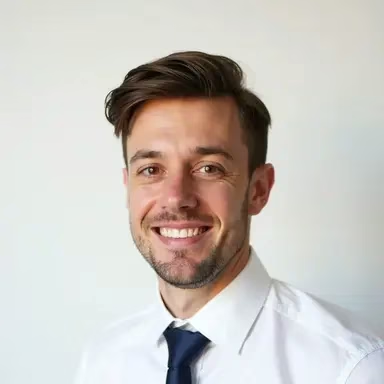
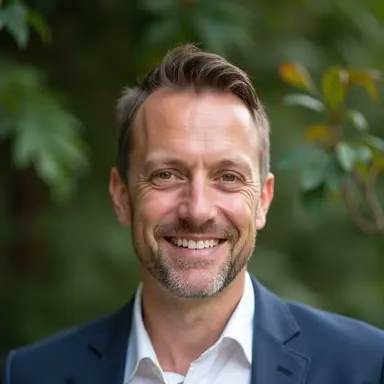
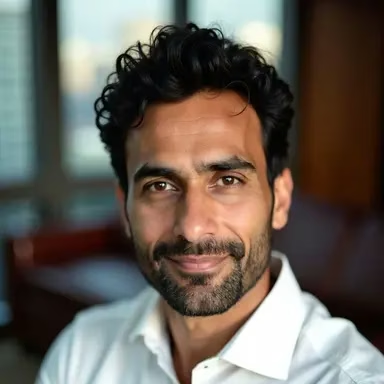
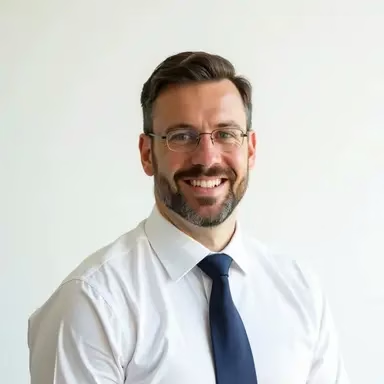
Proshoot is a tool that takes selfies and turns them into professional portraits. It is good for people who need realistic headshots for LinkedIn, resumes and websites. It is an option, for people who want professional photos without a lot of hassle.
AI Headshot Results:
Pricing
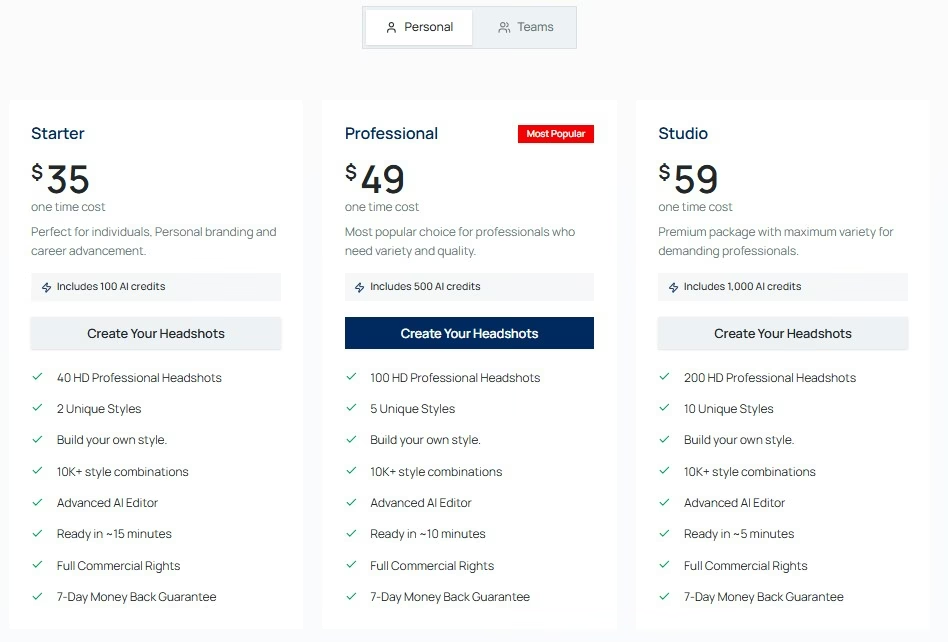
Individual Pricing
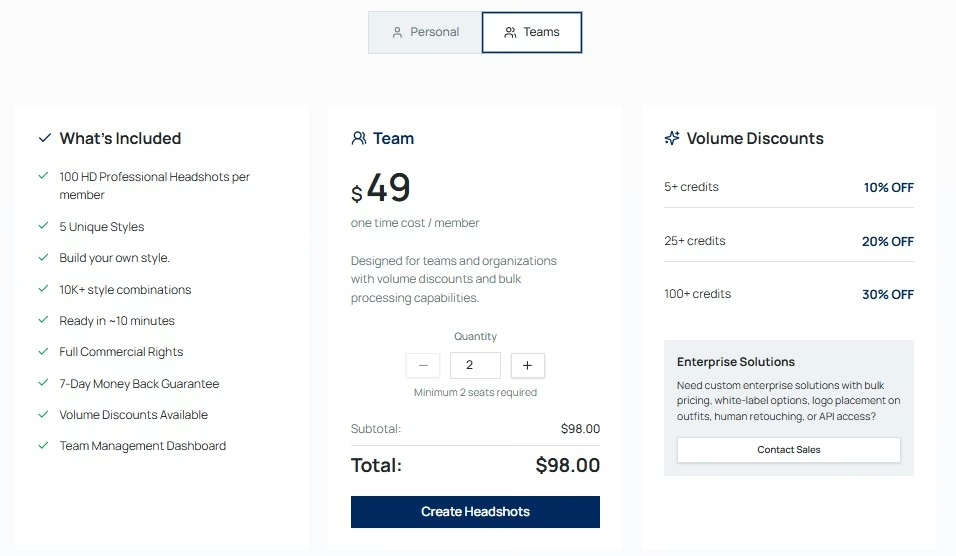
Teams Pricing
Pros & Cons
Pros:
- High-quality professional headshots
- Designed for LinkedIn and corporate use
- User-friendly workflow
- Offers commercial licensing
Cons:
- Less widely recognized than leading competitors
- Fewer customization options than BetterPic
- Premium features may increase costs
- Results depend on the quality of uploaded selfies
AI Headshot Generator Comparison Table
| Feature | HeadshotPro | Aragon AI | StudioShot AI | BetterPic | AI SuitUp | Proshoot |
|---|---|---|---|---|---|---|
| Starting Price | $29 | $35 | $29.25 | $35 | $27 | $35 |
| Headshots Included | 30–70+ | 40–100 | 40–200 | 20–120 | 50–150 | 40–200 |
| Turnaround Time | 30 minutes–2 hours | 15–45 minutes | Several hours to days | 1–2 hours | Usually within hours | Fast delivery |
| Image Quality | Excellent | Excellent | Excellent | Very Good (up to 4K) | Good | Good |
| Style Variety | 5★ | 4★ | 3★ | 5★ | 3★ | 3★ |
| Customization Options | High | Moderate | Moderate | Excellent | Basic | Limited |
| Human Editing Available | No | No | Yes | Optional | No | No |
What Kind of Photos Should You Upload for AI Headshots?
AI Headshot Generators use the photos you upload to make a map of your face. If the photos you upload are not good you will get a picture that does not look like you all.
- Main Rule: Upload a lot of selfies like 15 to 20 and try to take them from different angles with different facial expressions and wear different clothes.
- Lighting: Take photos near a window when it is sunny outside. This kind of light is good. Do not take photos under office lights or use the flash on your camera.
- Angles and Expressions: Take some photos looking at the camera some with a little turn and some with a smile. Also take some photos with an expression like you are going to work.
- Clean Face: When you are taking a picture for this try not to wear makeup or sunglasses or hats. AI needs to see what your skin really looks like and the shape of your jaw.
- Backgrounds: Pick a photo where the background’s simple and not messy. If there are people in the picture cut them out.it is better if you are the only person, in the picture of your face.
If you upload photos the AI can make headshots that look like AI Headshot Generators are really you. The AI Headshot Generators will be better if you do it correctly.
How to Use AI Headshot Generators?
Most platforms have a process that is automated. You do not need to know how to write engineering prompts.
- Upload the source batch: this takes 10 to 15 minutes. time it takes depends on the tool you use. You need to pick your fifteen to twenty selfies and candids. Most platforms have a validation checker that automatically rejects low resolution images or images with filters.
- Select your details: this makes sure the information is accurate. You need to enter your age and gender and ethnicity and eye color. This helps the AI model so it does not change your features by mistake when it generates the images.
- Pick your styles and outfits: there are pre chosen settings. You can choose from settings like a modern office or a blurred outdoor background or a classic gray studio. You can also choose what you want to wear.
- Fine-Tune: this takes 30 to 90 minutes. it takes depends on the tool you use. Let the AI engine make your photos. When the photos are ready you can use the editing dashboard to make changes, like fixing stray hairs or changing the color of your clothes or the background.
How to Choose the Right AI Headshot Generator?
The right tool for you is the one that has what you need. If you want your picture to look really real you should look for a generator that’s good at making faces look real and has nice lighting.
If you want to be able to change things you should choose one that lets you change the style pick clothes and use different backgrounds. For people who work in teams or for businesses it is probably most important that all the headshots look the same.
You should also think about how much the tool costs. The cost should not be the only thing you think about. Some tools do not cost much but they do not always do a great job. Other tools cost more.
They can save you time because they do a better job the first time. The best tool for you is the one that gives you a headshot that you would really feel good about using on LinkedIn on your company website or, on your resume.
Do You Actually Need AI Headshots?
People do not all need AI headshots. They can really help a lot of people.
If you are looking for a job you need to update your LinkedIn profile you want to build a brand or you need to refresh a company bio then AI headshots are a good choice.
They are very useful when you do not have time to find a photographer or you want to have professional looking pictures without having to do a whole photo shoot. AI headshots are an affordable option, for you.
Free AI Headshot Generator
Free AI headshot generators can save you time and money on a photoshoot. Are they really worth it?
There are many common problems that appear in it, and finding the best AI headshot generator free will be difficult.
These are some of the problems:
- The pictures might be resolution.
- They can look distorted.
- They might look like they have been heavily edited.
For professional platforms, like a CV or LinkedIn profile paying for a good tool usually gives you better results and higher quality pictures. You get consistent and professional looking headshots.
Is an AI Headshot generator useful for LinkedIn?
Yes, An AI headshot generator is really useful for LinkedIn. It gives you a professional looking photo for your profile without having to spend a lot of money or time on a real photoshoot. This is great because it helps you look more professional and consistent on LinkedIn especially if the picture you have now is old or not very clear.
An AI headshot generator, for LinkedIn is the best when it makes pictures that look real. If your headshot looks too edited it does not look real. People may not like it. You should choose an AI headshot generator that makes looking photos of you for your LinkedIn profile.