StudioShot AI Review: Best Professional AI Headshots?
StudioShot AI is one of the best platforms for AI headshot generators. It helps you create portrait photos based solely on selfies.
In this article, I’ll review this tool, highlighting its advantages and predicting the results you can expect.
Table of Contents
What Is StudioShot AI?
StudioShot AI is a photography platform that helps create professional headshots and commercial product photos from regular selfies or basic images.
It uses machine learning and real photography principles to produce high-quality results in minutes. You do not need to visit a studio buy expensive equipment or worry about scheduling.
Key Features
- Headshots:
Individuals can upload a few personal photos and get many premium headshots in different styles, clothes and backgrounds. These are perfect for LinkedIn profiles, resumes and company websites.
- Team and Corporate Accounts:
Companies use StudioShot for Teams to quickly create uniform, branded headshots for employees in departments and locations. This keeps their identity consistent.
- E-commerce and Product Photography:
Business owners can take smartphone photos or old catalog images and turn them into clean studio shots or lifestyle images. These are ready, for stores and ad testing.
- Cost and Time Efficient:
The virtual process helps avoid delays and high costs of hiring photographers and booking studios.
StudioShot AI Results
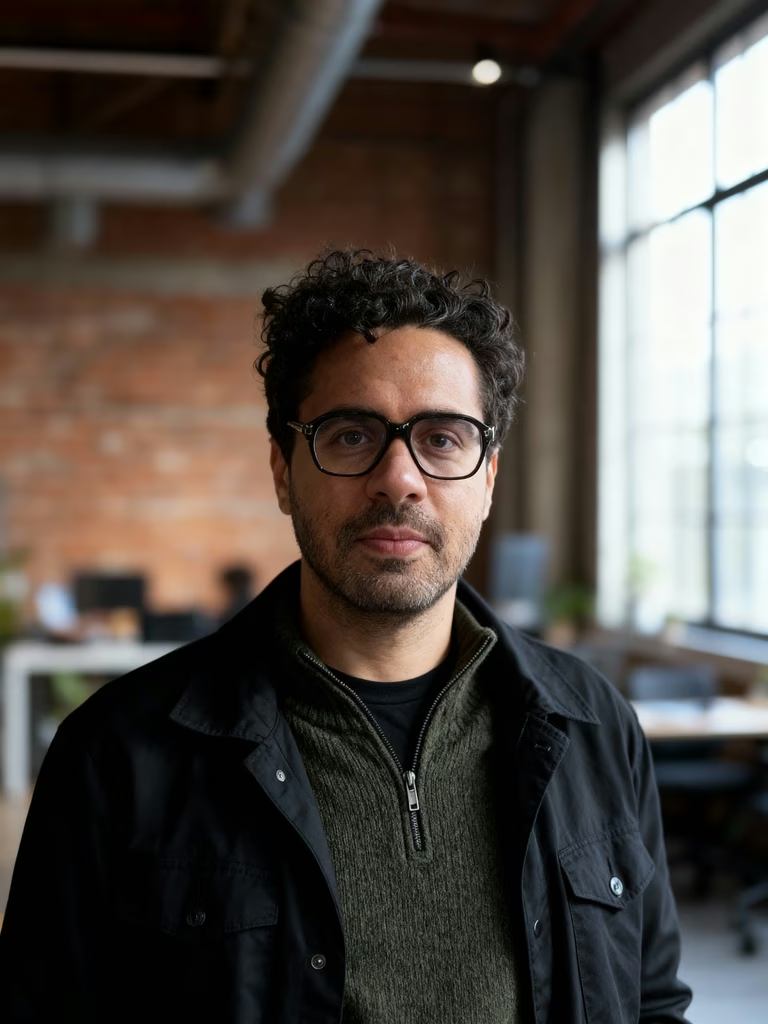
StudioShot AI Headshot Generator Examples
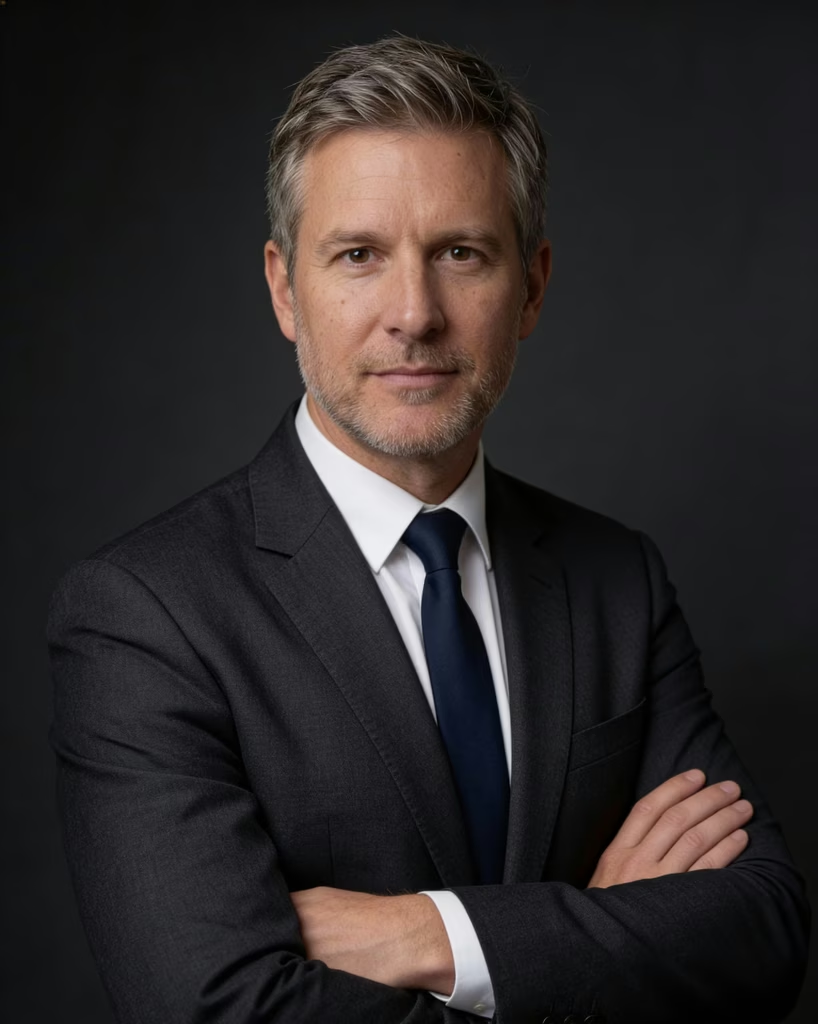
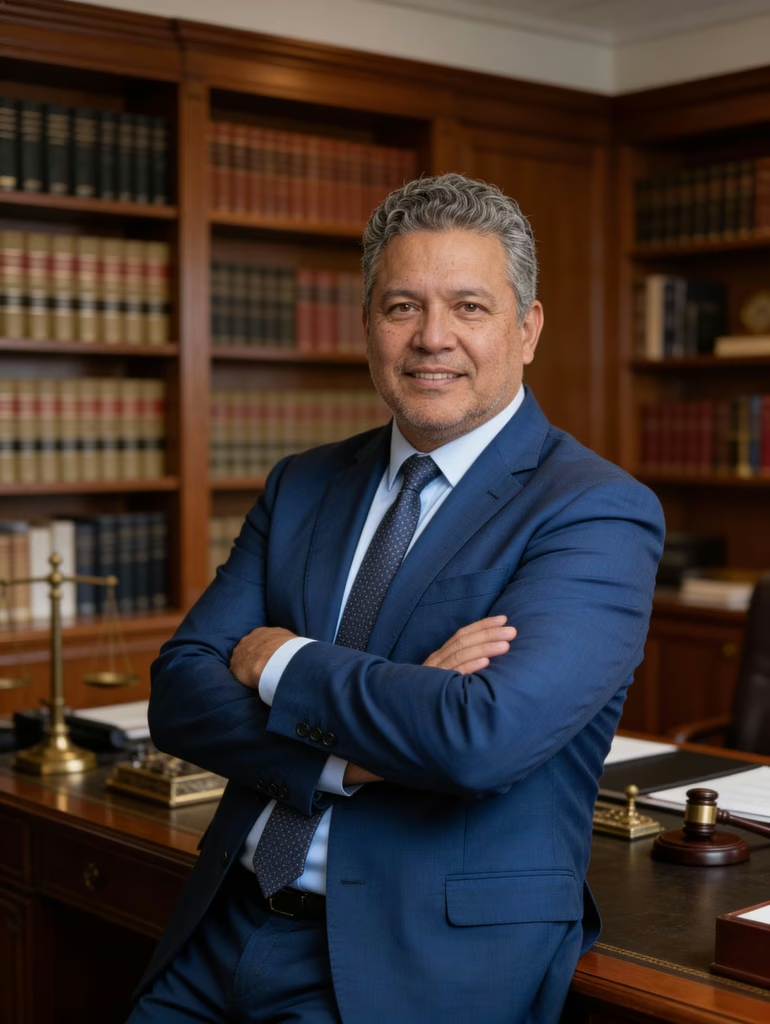
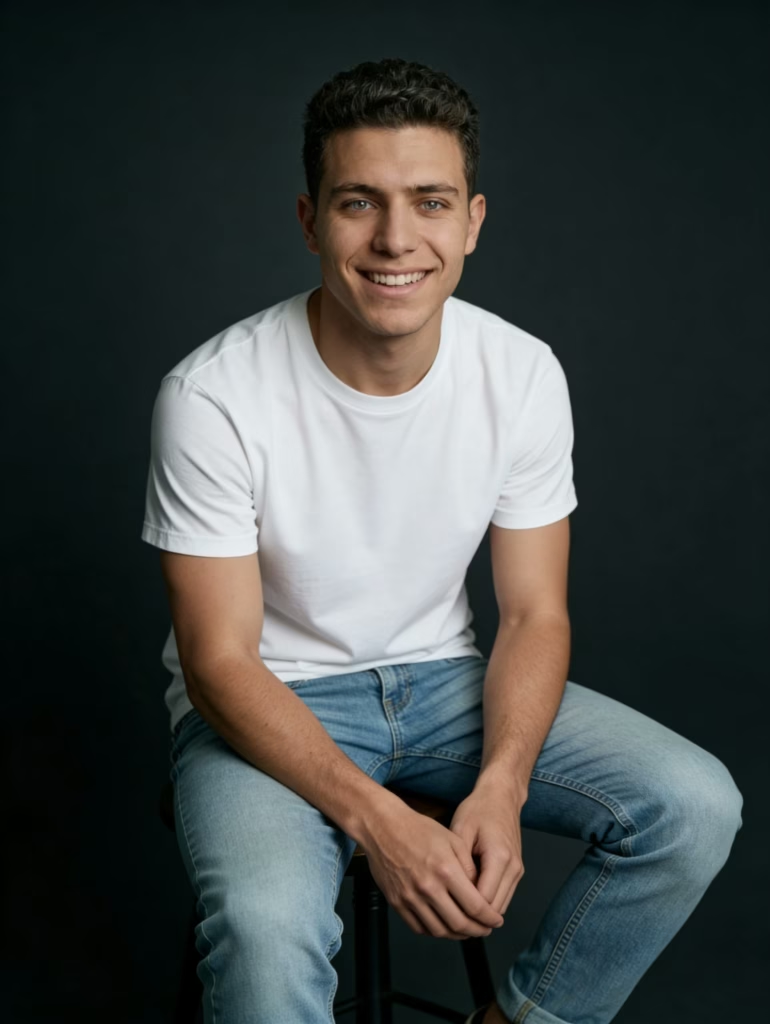
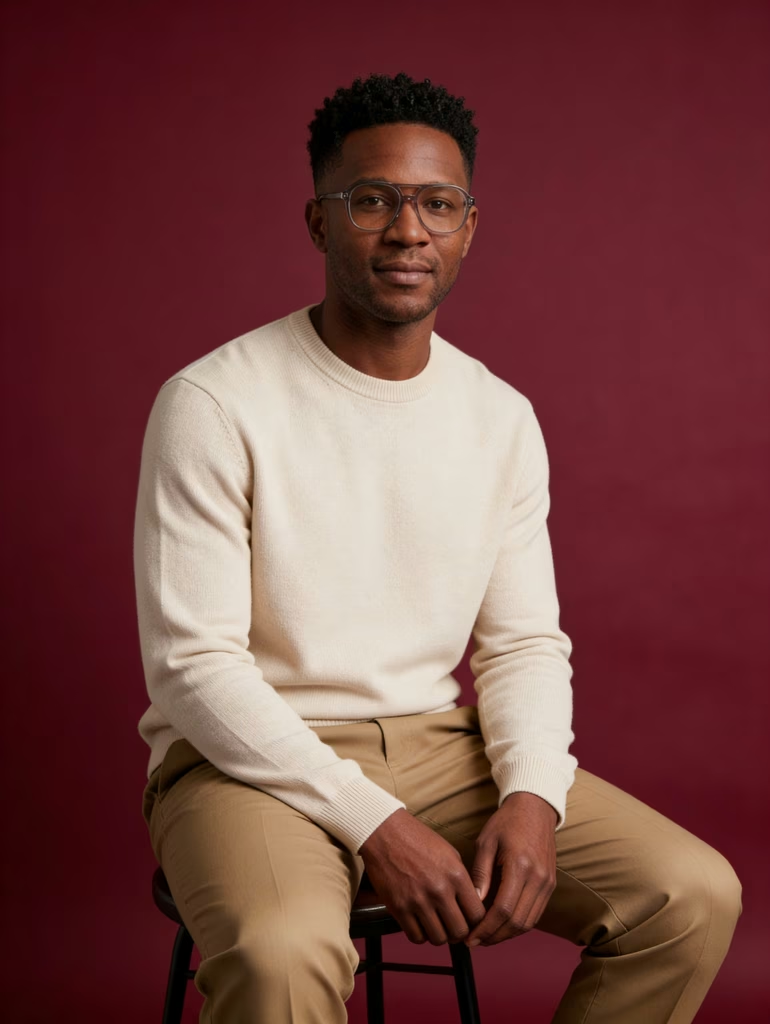
Reviewer Consensus
reviewers really loved working with this company. People are super happy with the AI photos saying they look really professional and natural. Lots of users thought the service was really fast and easy to use saving them a ton of time compared to photoshoots. The AIs ability to get peoples features and styles right with lots of options was a big plus for many users.
Some folks did mention a problems, like weird glitches in some pics, such as funny-looking eyes or missing stuff. A few customers also said that the generated clothing styles or body shapes didn’t always match what they wanted or what they look like. Some people had a trouble, with the website like uploading photos.
StudioShot AI Pricing
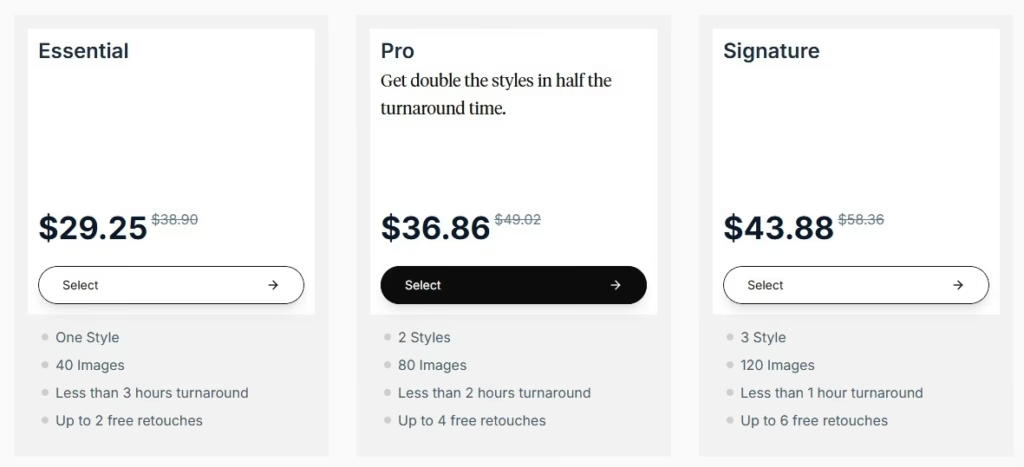
Essential: for $29.25
- 40 Images
- Less than 3 hours
- 1 Style
- 2 free retouches
Pro: for $36.86
- 80 Images
- Less than 2 hours
- 2 Style
- 4 free retouches
Signature : for $43.88
- 120 Images
- Less than 1 hours
- 3 Style
- 6 free retouches
StudioShot AI Pros and Cons
Pros:
- Affordable: It costs between $29 and $30 for a package. This is much less than hiring a photographer.
- No Studio Needed: You can create corporate and LinkedIn headshots at home. Just use your existing selfies.
- Human-in-the-Loop Edits: It uses editors to check and improve AI results. They even offer retouching on some packages.
- Team Management Options: Platform is perfect for businesses that want to standardize headshots for a team or whole company.
- Time-Saving: You get your images quickly usually within a couple of days. This is much faster than scheduling and traveling to a photo shoot.
Cons:
- Facial Consistency: Some users say that the AI can sometimes distort features or make them look older. The skin can also look unnatural.
- Generic Variations: The AI generates images by mixing thousands of faces. This means some portraits can look generic or stale. They might not look like you.
- Quantity Limits: Depending on the package you might only get 40 to 50 photos. This limits your choices compared to taking photos with a real photographer.
- Not for Complex E-commerce: It is great for portraits. However it is not good enough, for volume commercial product photography or complex apparel workflows.
How to use StudioShot AI?
Here is the step-by-step process to get your professional headshots:
- Choose a Style for Your Photos:
Look through StudioShot collection of styles made by photographers. Pick the one that suits you best like creative, executive or casual professional. - Upload Your Photos:
Put up a few pictures of yourself. It’s okay to use good-quality phone photos. It will help you choose the images. - Create Portraits with AI:
The AI will look at your photos and make many professional portraits. These will have backgrounds, lighting and styles. - Check and Download Your Favorite Photos:
When its done you’ll get headshots to pick from. These images are, in high-resolution 4K so you can use them for stuff. - Request Retouching (Optional):
If you want you can request human retouching for edits to make your photos even better.
Final Thoughts: Is StudioShot AI Worth It?
StudioShot AI is really useful if you want headshots without all the hassle of a regular photo shoot. You can make pictures for LinkedIn, your resume, company websites and to show people who you are and it usually costs a lot less than hiring a photographer.
People who have used it say it is very good because the pictures look real it is easy to use. You get a lot for your money. It is a choice because it helps you make professional looking headshots for things like LinkedIn and company websites. It does a great job.
There is also a list of the Best AI Headshot Generator.